Geofences
Geofences are geographical zones that can be used to generate events about device movement in and out of the zone.
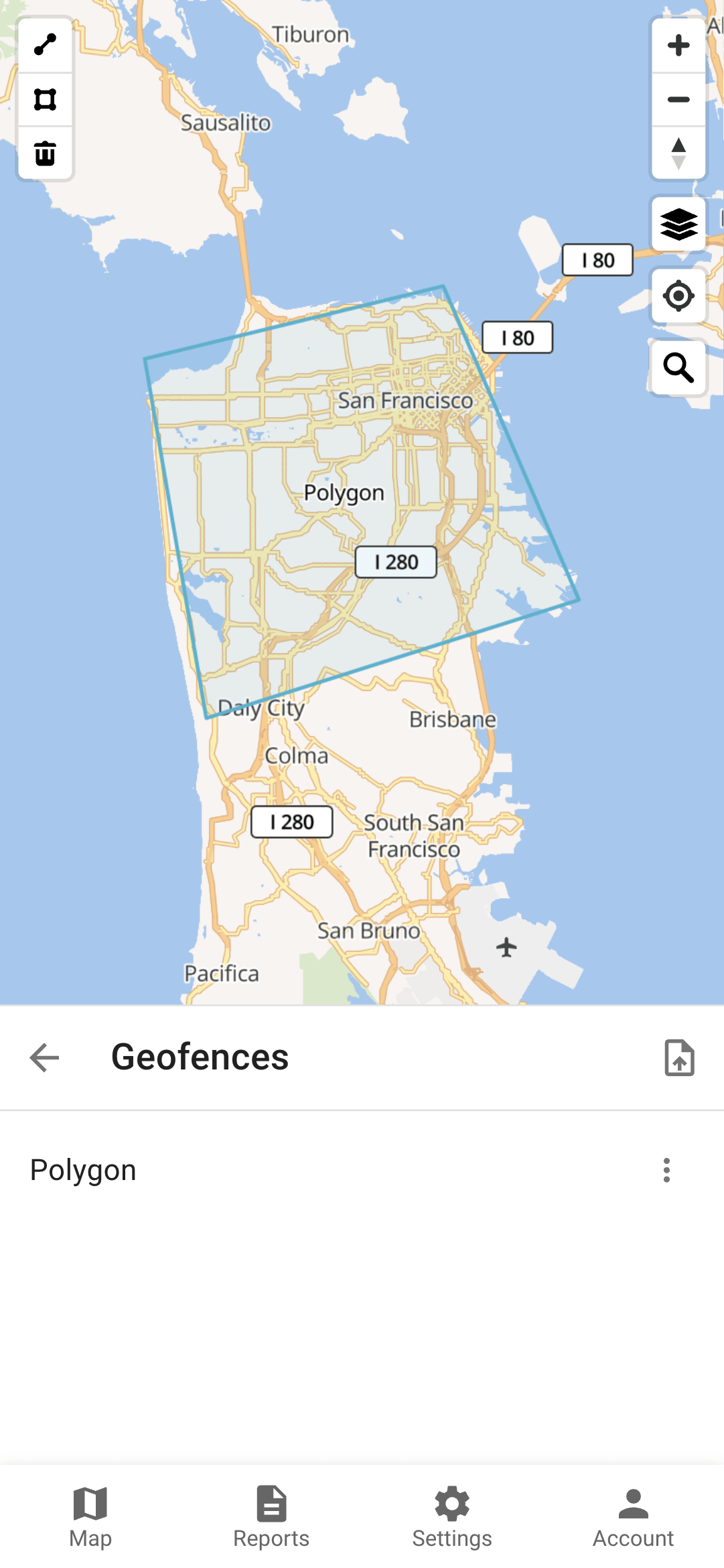
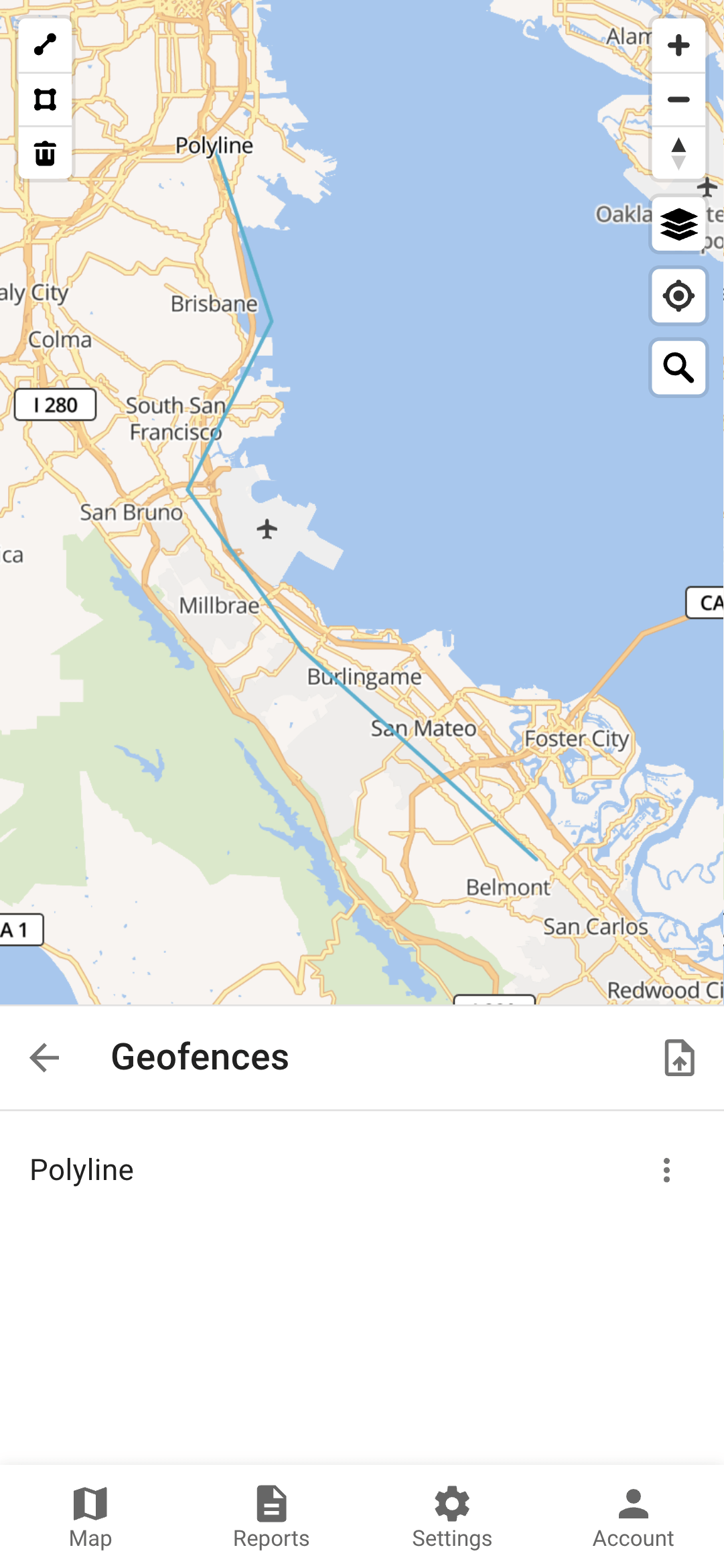
There are three supported geometry types:
Polygon
Polyline
Circle
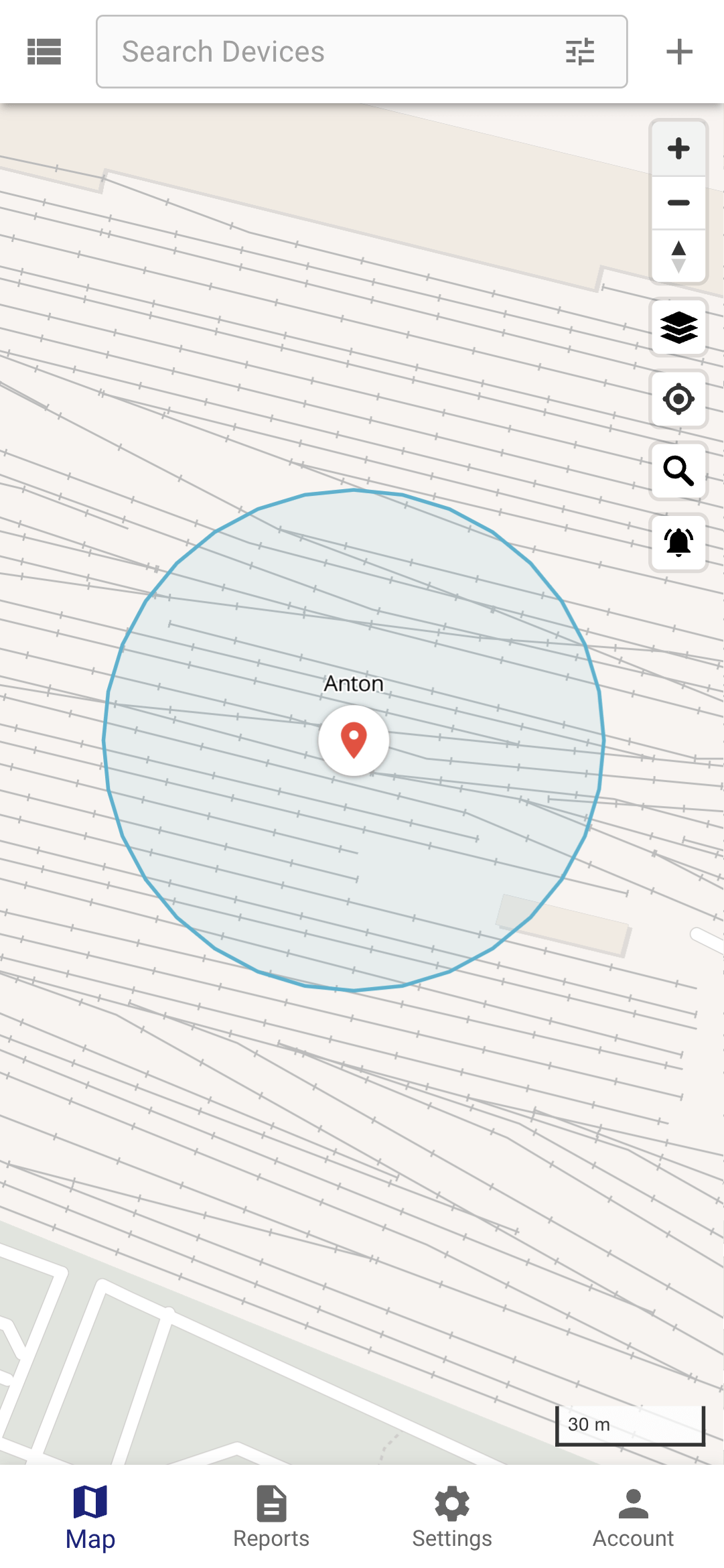
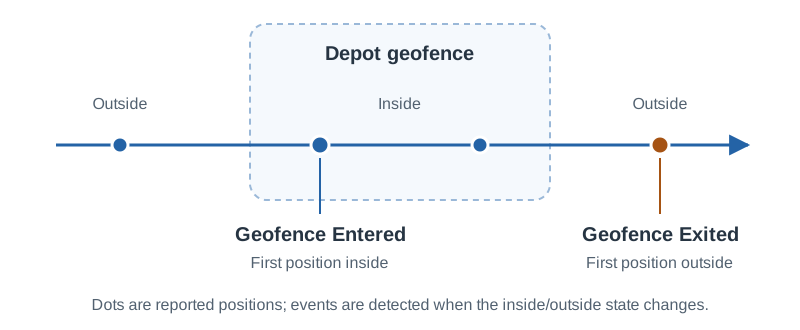
As a device reports positions across a geofence boundary, Traccar generates Geofence Entered and Geofence Exited events:
Permissions
If a geofence is linked to a device, it means that the system will monitor the device entering and exiting that geofence.
If a geofence is linked to a group, it means that the system will monitor all devices in that group entering and exiting the geofence.
Users with access to a geofence can edit or remove it unless their account is read-only. To receive notifications about geofence events, configure a notification. See Permissions and Groups for assigning access.
Calendars can be linked to geofences. This will limit event generation to the calendar schedule.
Other Information
Distance around a polyline geofence, when the device is considered inside the geofence, can be configured with the geofence.polylineDistance configuration parameter (25 meters by default).
The color of a geofence on the map can be set in the geofence attribute color. Any valid HTML colors are accepted.
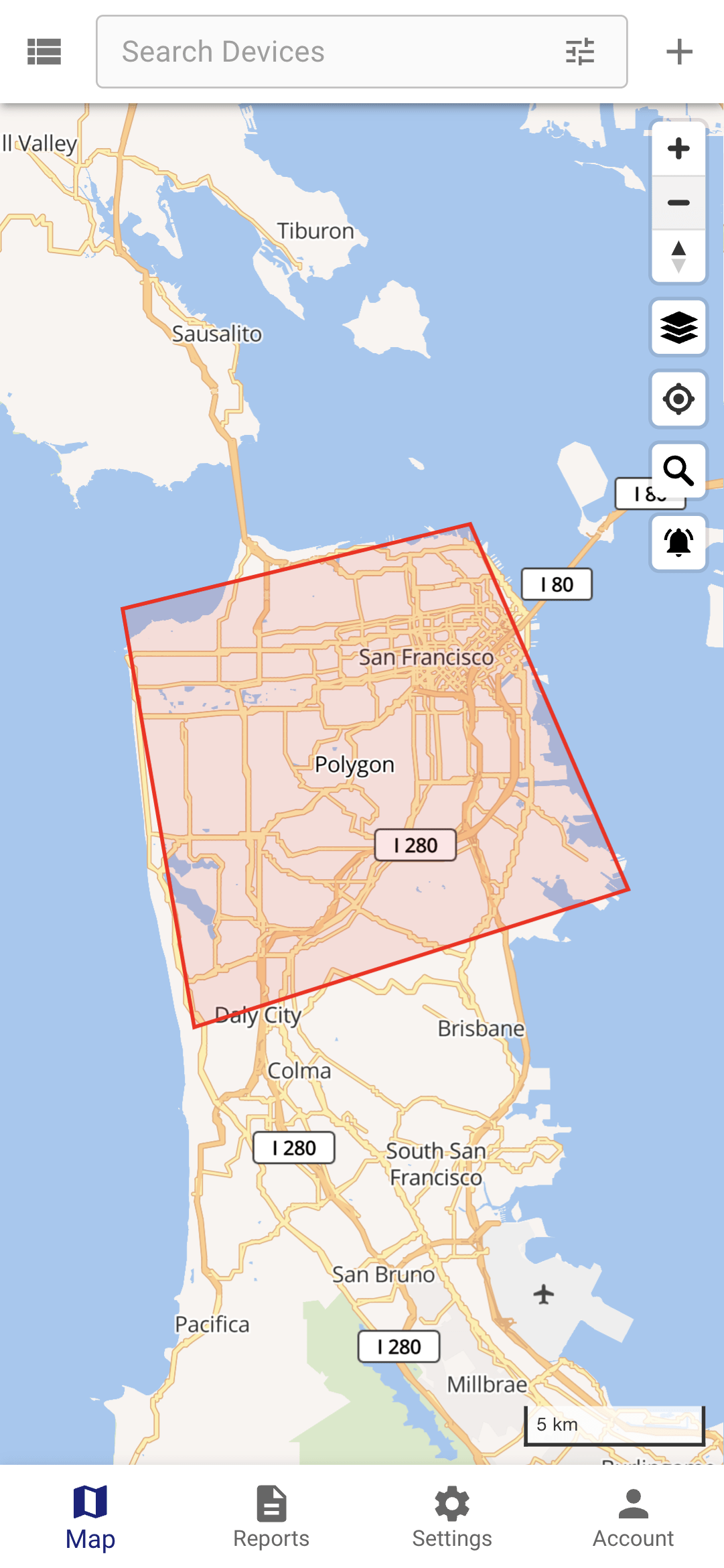
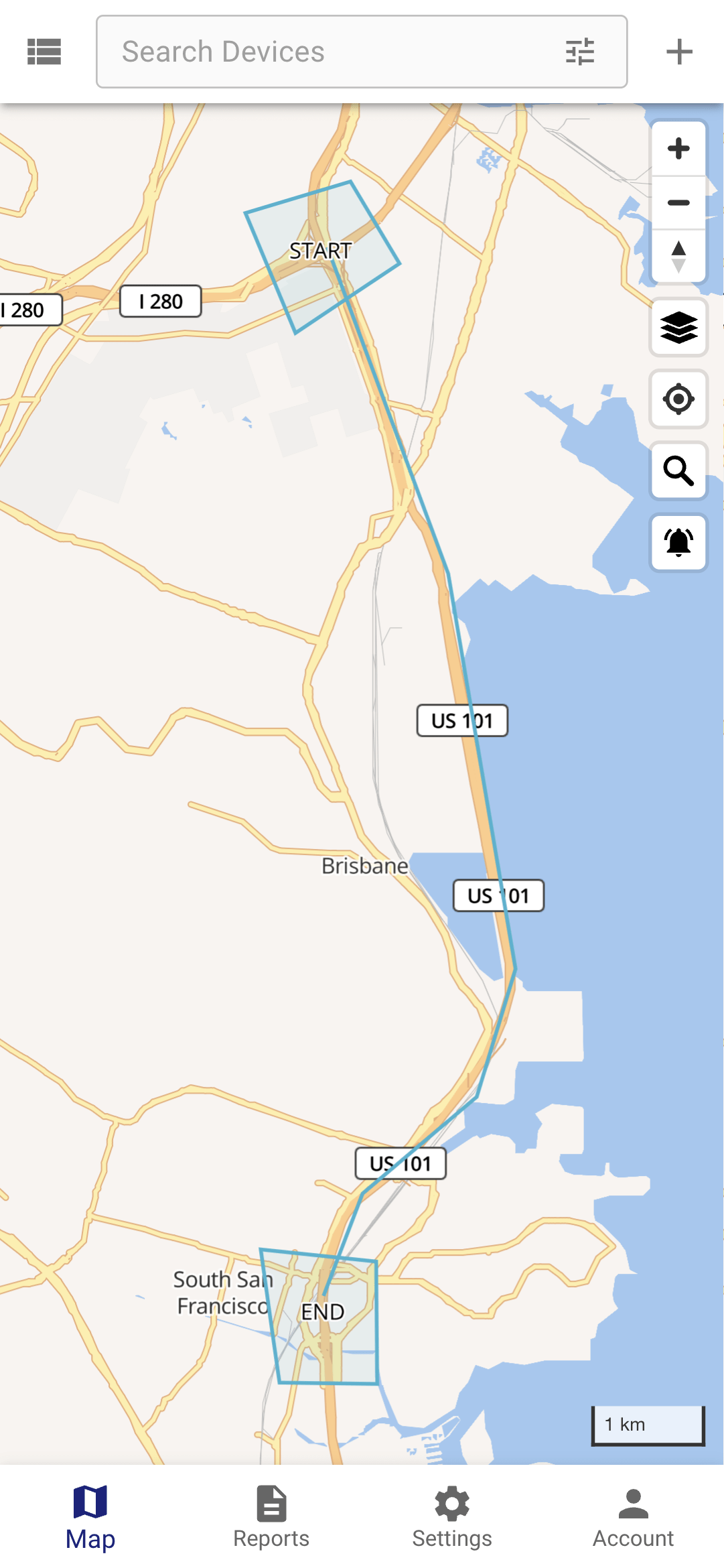
If you need to control device movement along a predefined route, you can use a polyline geofence. Also, if you need to control when a device starts and ends the route, you can add additional geofences at the start and at the end.