Greetings,
I have been using Traccar for 6 years with a custom map from openrailwaymap.org and it has been terrific.... The URL I have been using was http://{a-c}.tiles.openrailwaymap.org/standard/{z}/{x}/{y}.png. This provided the right Railway map with a light background. Perfect.
I have now upgraded to the most recent version of Traccar and it seems that URL no longer works. Instead, the closest alternative URL I could find that I could get to work is https://tiles.openrailwaymap.org/standard/{z}/{x}/{y}.png. So, it seems just a small configuration change. Anyway it works.
However, the new style url show the map in Traccar with a dark background. It seems that to get the light background, I need to overlay this map onto the https://{s}.tile.openstreetmap.org/{z}/{x}/{y}.png map.
Can anyone please let me know if this is possible with Traccar and if so, how would I accomplish that?
OpenRailwayMap was supported as an overlay for a long time now.
Hi Anton,
Thank you for the quick reply.
Indeed, I know OpenRailwayMap has been supported and I have been using it. I was just wondering if there is a way to achieve a Light, rather than Dark background to the map?
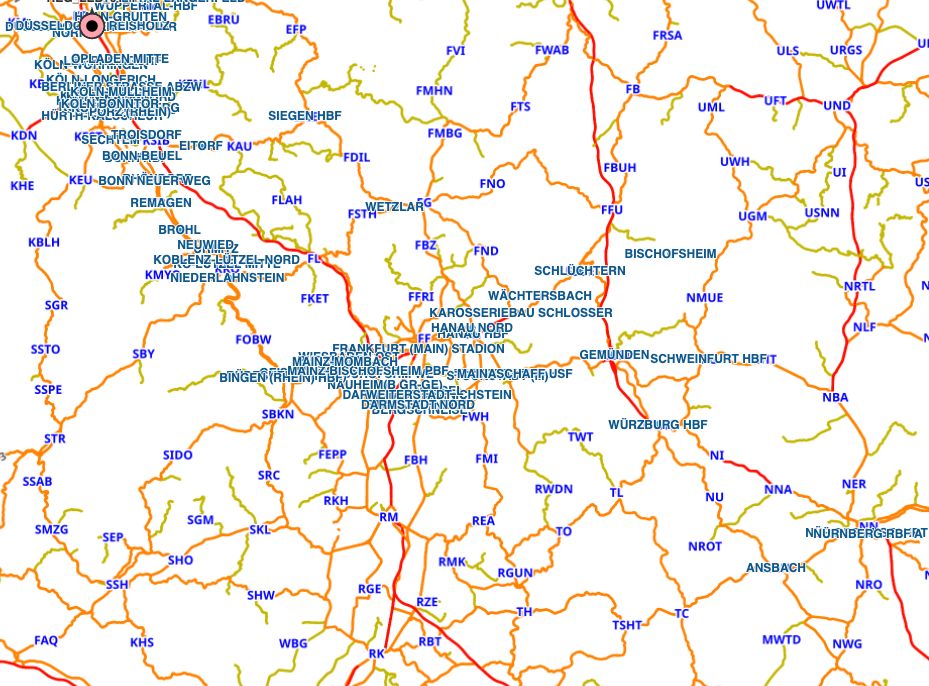
Here is the old version which I have been using for years... (uses http://{a-c}.tiles.openrailwaymap.org/standard/{z}/{x}/{y}.png but that no longer works in the latest version of traccar)
Here is the new version. (uses https://{s}.tile.openstreetmap.org/{z}/{x}/{y}.png)
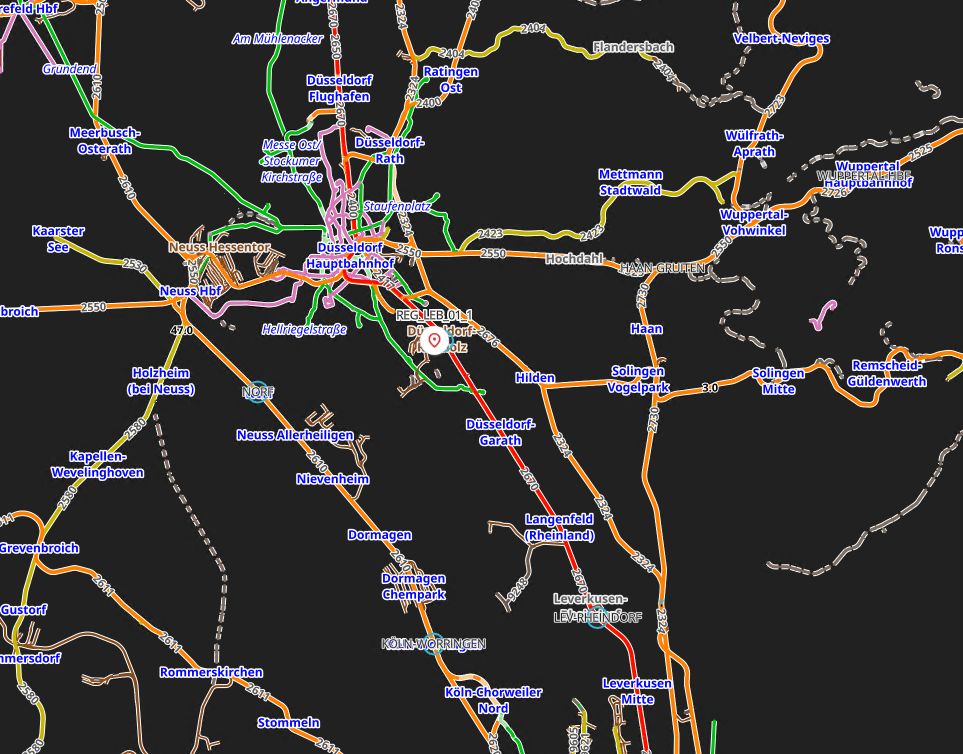
I would love to somehow get the new version to look like the old version.
You're not using it correctly. You shouldn't add it as a custom map. You should use a normal map and enable OpenRailwayMap as the overlay in preferences.


Greetings,
I have been using Traccar for 6 years with a custom map from openrailwaymap.org and it has been terrific.... The URL I have been using was
http://{a-c}.tiles.openrailwaymap.org/standard/{z}/{x}/{y}.png. This provided the right Railway map with a light background. Perfect.I have now upgraded to the most recent version of Traccar and it seems that URL no longer works. Instead, the closest alternative URL I could find that I could get to work is
https://tiles.openrailwaymap.org/standard/{z}/{x}/{y}.png. So, it seems just a small configuration change. Anyway it works.However, the new style url show the map in Traccar with a dark background. It seems that to get the light background, I need to overlay this map onto the
https://{s}.tile.openstreetmap.org/{z}/{x}/{y}.pngmap.Can anyone please let me know if this is possible with Traccar and if so, how would I accomplish that?