Build in NetBeans
We strongly recommend using IntelliJ IDEA instead of NetBeans.
Clone the traccar git repository first. See build from source for more information.
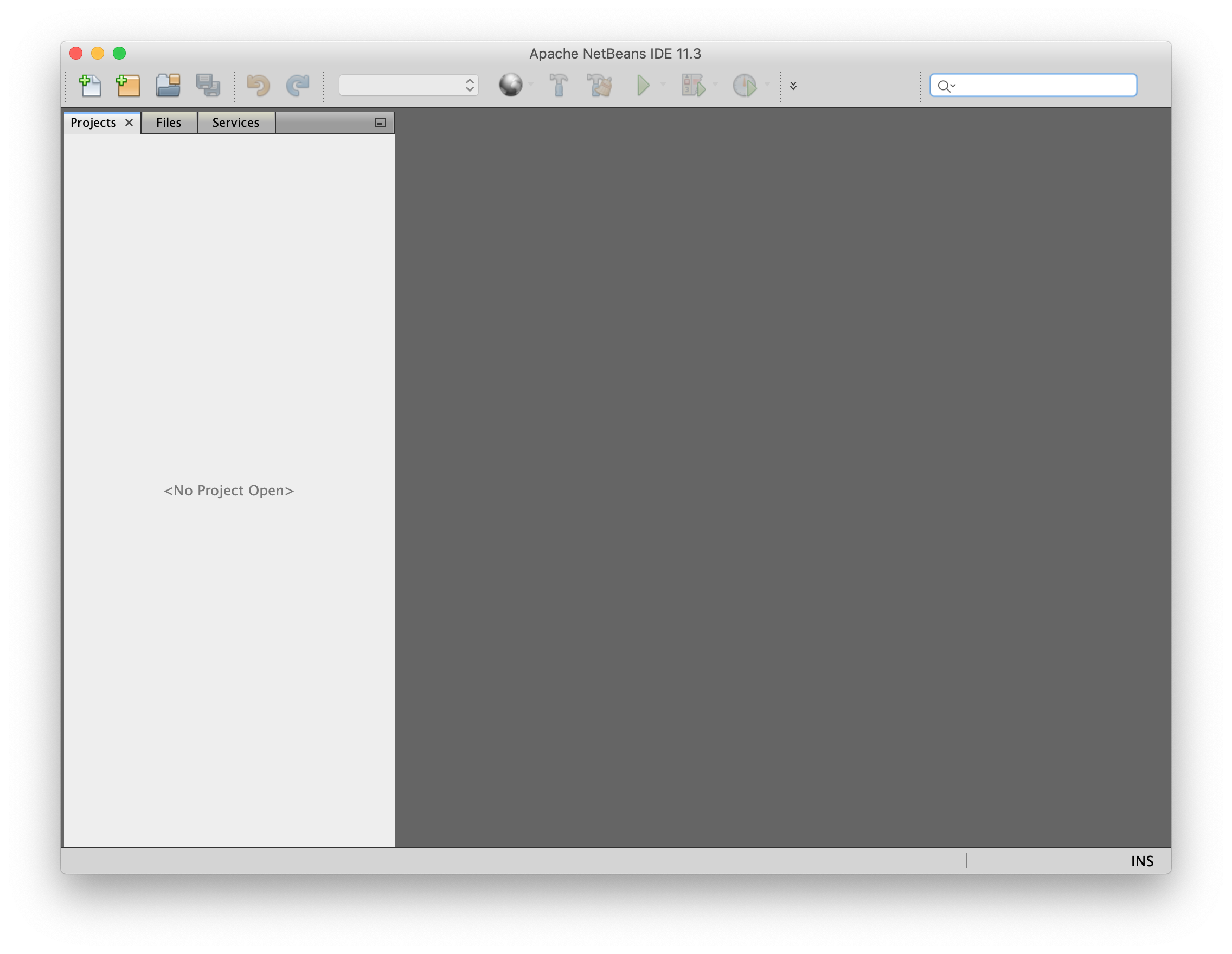
Click Open Project in the toolbar
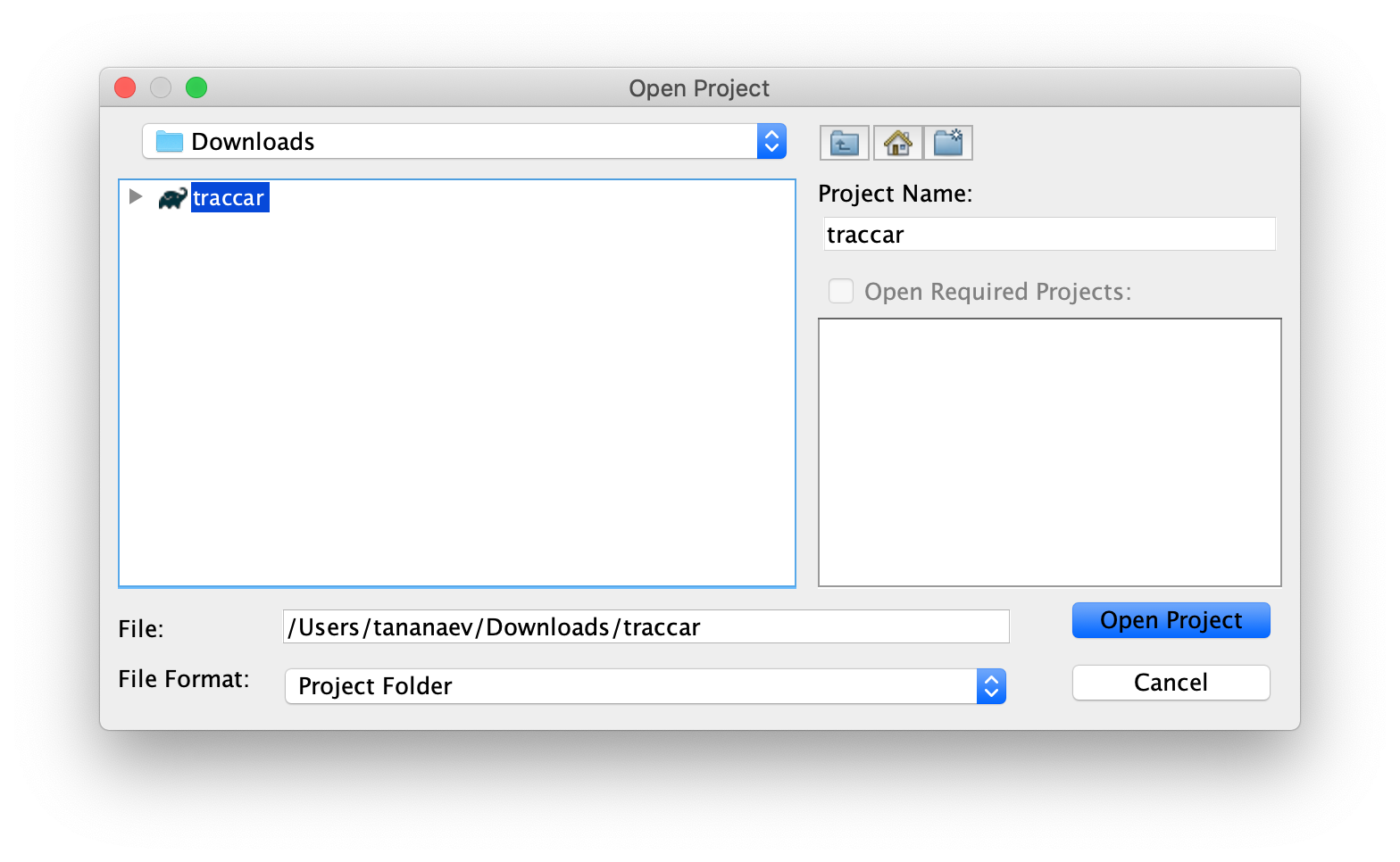
Find and select the traccar folder
If you see a prompt for installing missing plugins, install the plugins by following the instructions, restart the IDE and start this guide from the first step.
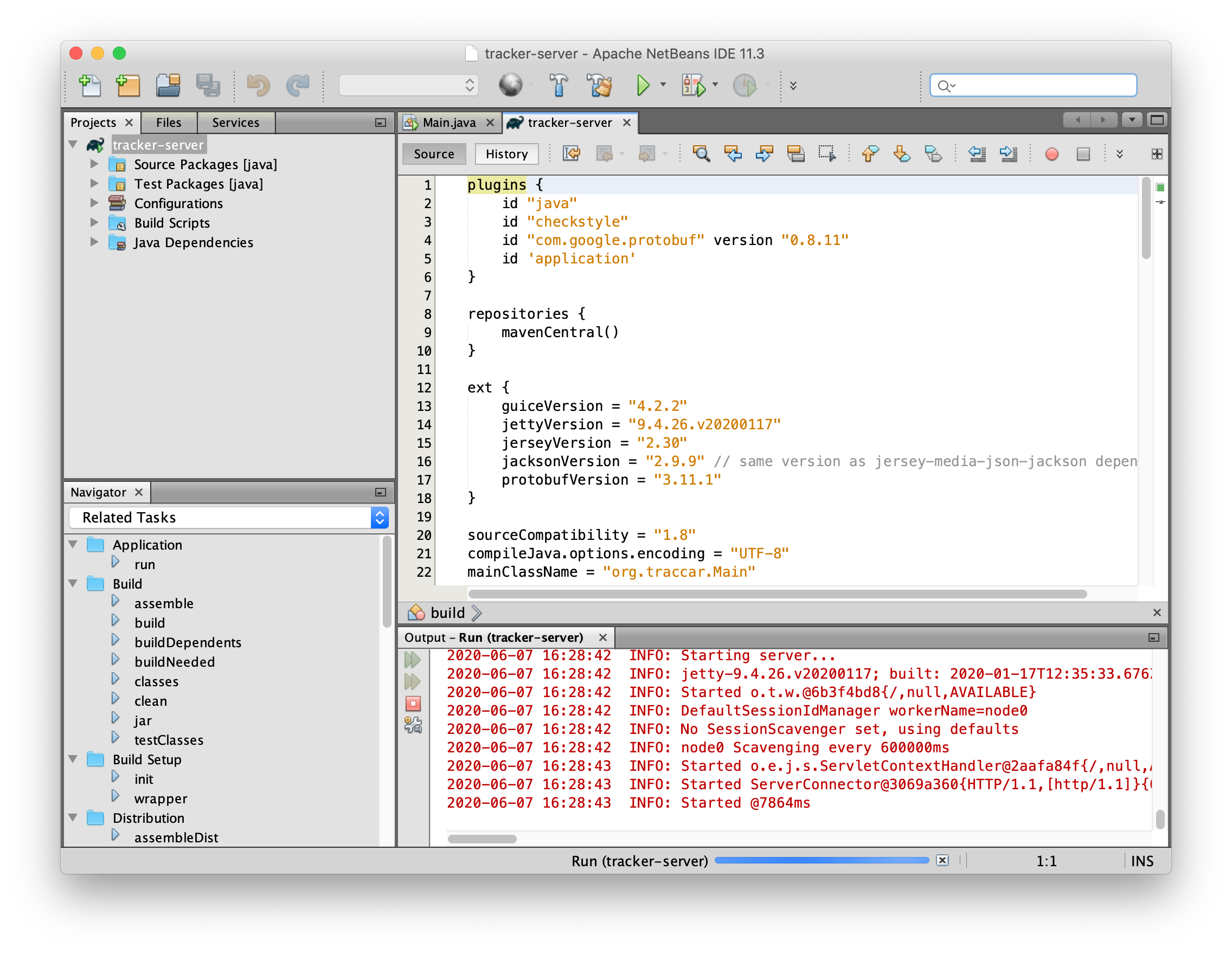
Click the Run Project button in the toolbar
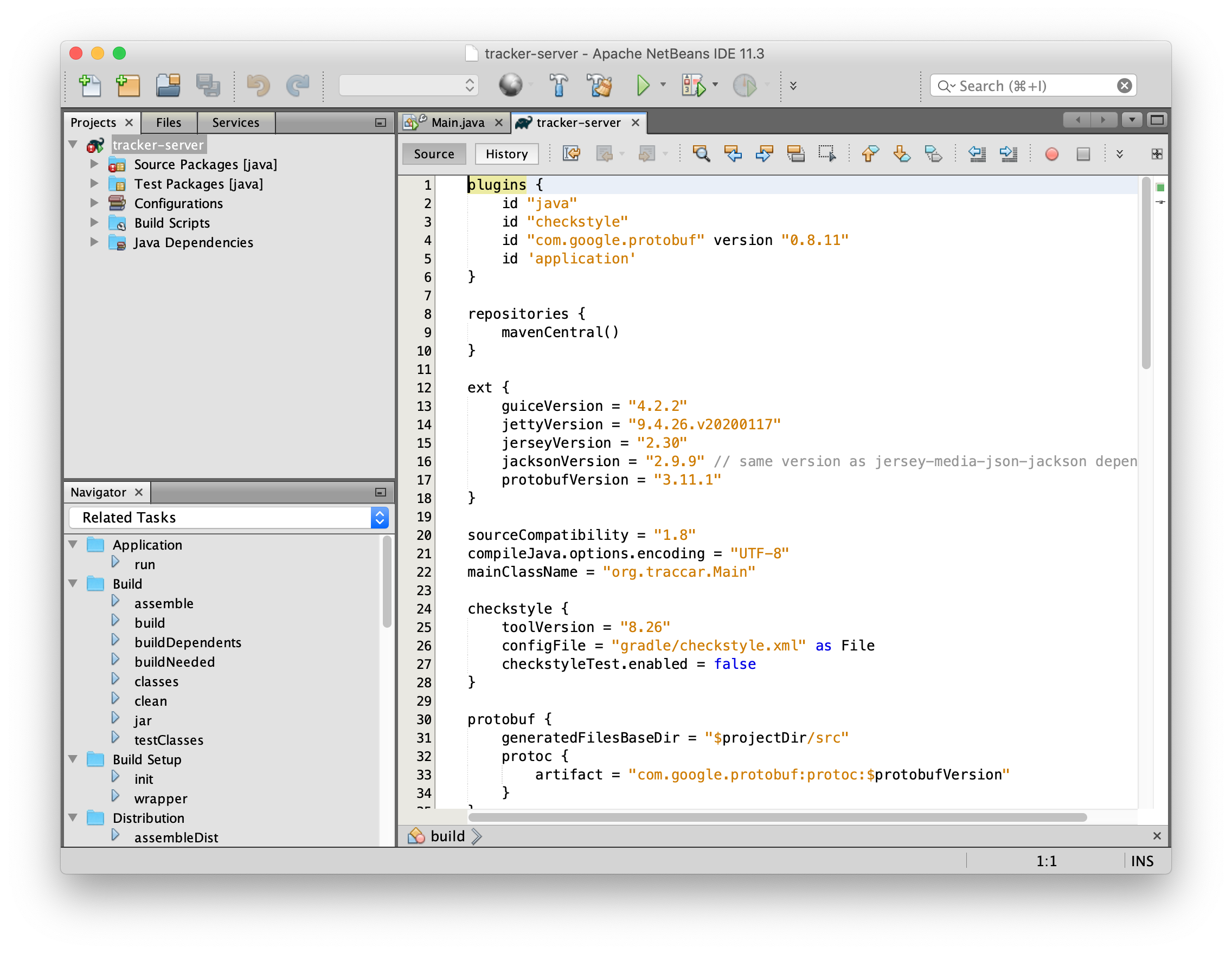
Wait for the Started line in the log output
Open the traccar web interface in your favorite web browser