To change traccar client config need client restart


It should apply automatically. Definitely if you manually change something on the settings screen.
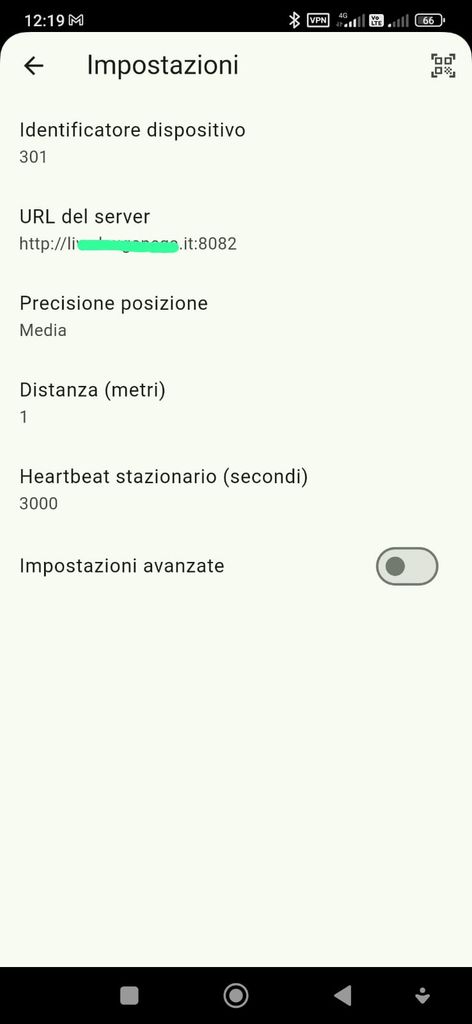
I made a simple test, i changed the ID from 101 to 301 and go back, on client app it still remain 101 but if i manually send my position it send as 301, so it works.
If I switch Continuos tracking option it refresh the client app and 301 appear
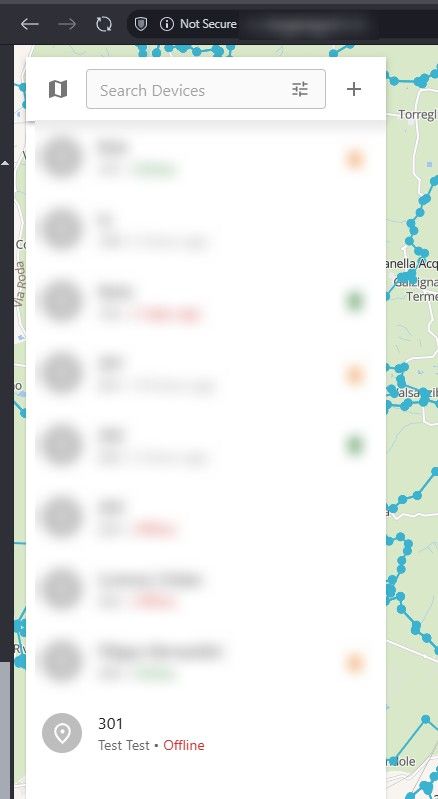
Instead if I start the app from beginning after deleting all data, I read the QR Code then I go back, the app still display the demo server and also it doesn't send the data to my server when I click on Send Position (see the screenshots).
I must need to close the app and open again or I need to enable continuous tracking due to android tracking permission doesn't appear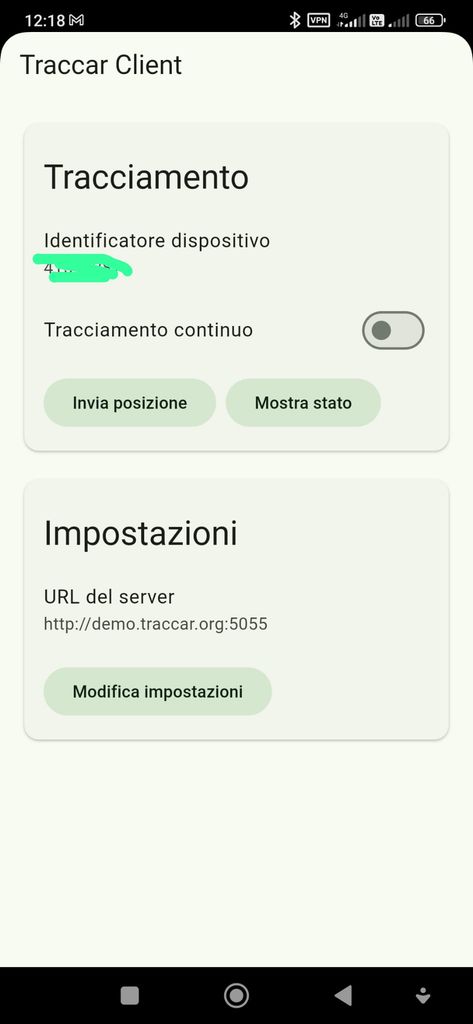
Interesting. I just tested myself. It does look like something is not updating. I will take a look.
OK, so the issue was only with display on the main screen. Actual settings were updated live. The display issue will be fixed in the next version.
I tested the 9.6.0 available on playstore and now it works like a charm
Thanks
Hi all,
I installed traccar client to android phone
I started it and it point to demo server
I read my qr code config but when I go back it still point to demo server
To apply the config I needed to kill the app and start again
Is there a way to auto reload the config without killing/ start the app?
The same happen setting the server and I'd manually
Thanks