Android App Password


The password option is to protect the app settings. So it's completely local to the device.
Oh, ok
Well thank you

How can I reset the password?
Even after reinstalling, I still can't access it.
You should reset the password from the server side.
Thanks for the quick reply. No, I mean the local Android app password.
That's the password I'm talking about. The only way to reset it is via the server.
The user accidentally set the password themselves during initial setup. The server entered is incorrect, not at all, or demo.traccar.org. As I just learned, the user is using an iPhone.
Its an iPhone, the server is demo.traccar.org.
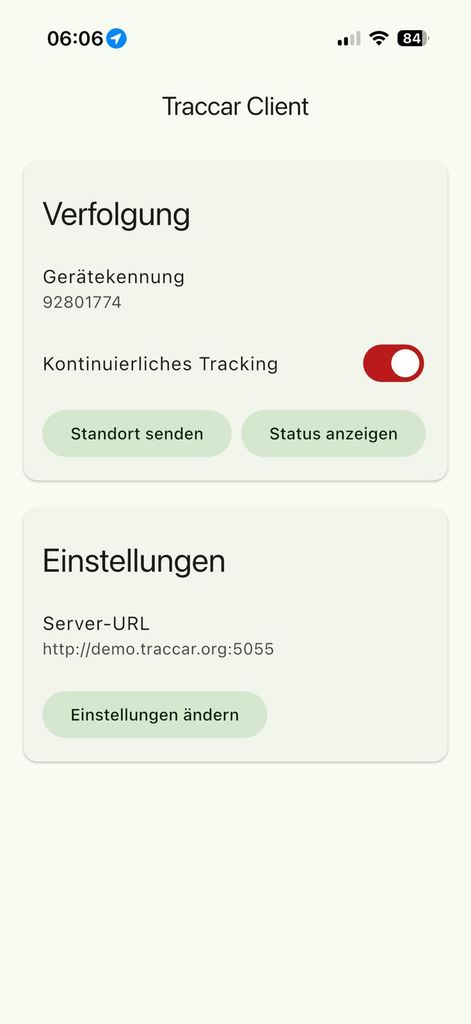
OK, but the solution is the same.
I created an account on demo.traccar.org and added the device ID. Where can I delete the password for the device?
You need to make sure device registers first. Then send send the reset command.
Many thanks for your help.
Resetting via the server works. How can I delete the settings on iPhone if there's no server connection?
Android looks easy, but how to reset on iPhone?
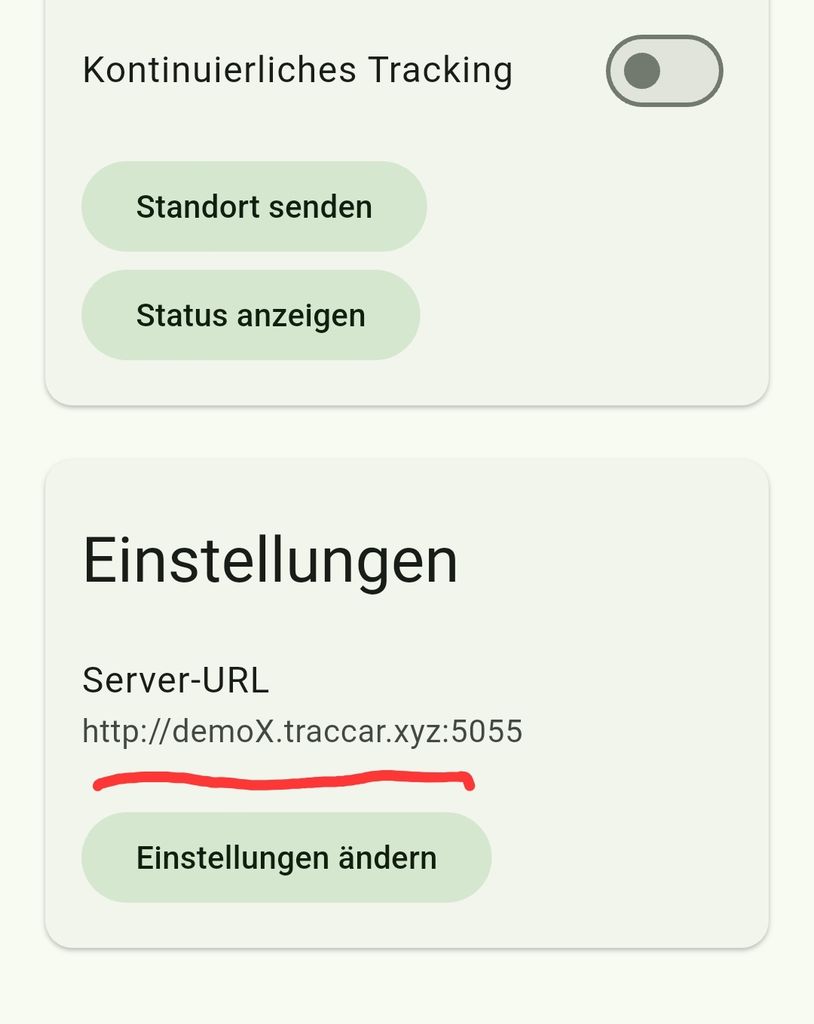
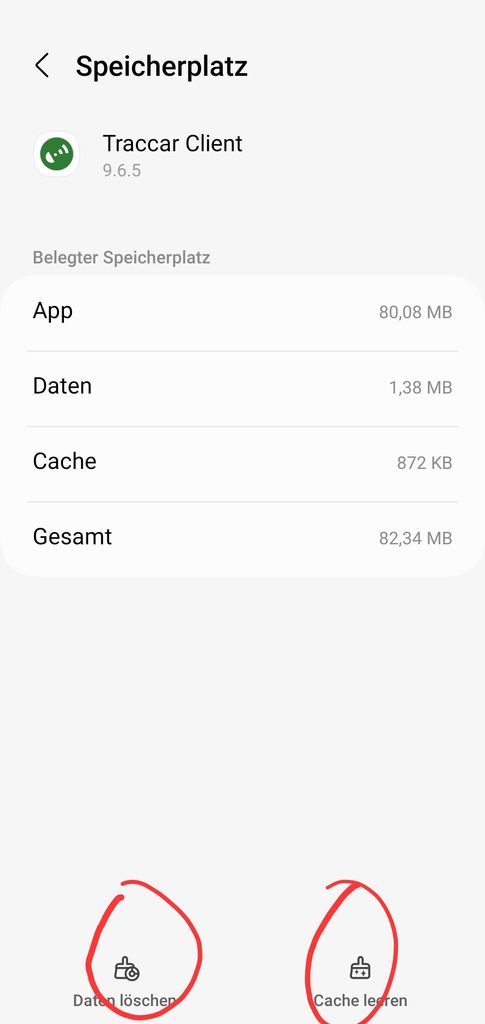
You can't.
To my Test-Android-Device I can send from the server a "reset to factory defaults".
To the iPhone from the user I can only send a "user defined command".
Which command should I send to reset the Traccar-App on the iPhone?
How can the user delete de wrong settings?
Complete reinstall of the iPhone???
Hello,
How does the password option in advanced settings work (Using Android Client App)?
Is it used to authorize a device? Password protecting the timeline post endpoint?
And how does one set the password on the API side? There was nothing that stuck out to me as used for the app itself when I searched (Maybe I just missed it?)