Traccar Relay - Link


Fixed, thanks.
Anton, I’ve installed Traccar Relay. The Google devices are listed in it, and they connect to the Traccar Server (as shown in the screenshot), but they aren’t receiving any coordinates. It’s worth noting that the locations are present, accurate, and up-to-date within the Google app itself.
I’ve already tried sending commands for a single position update as well as for periodic position updates, but I’m not receiving anything.
What am I missing?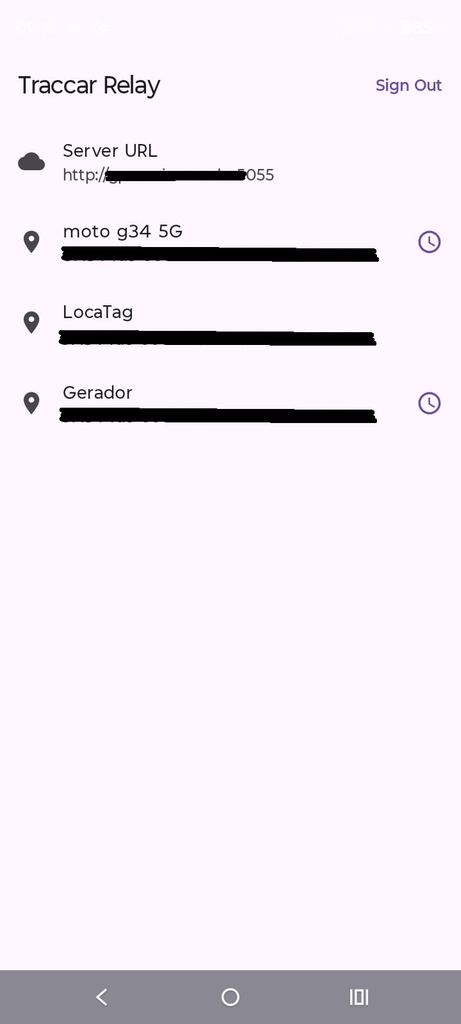
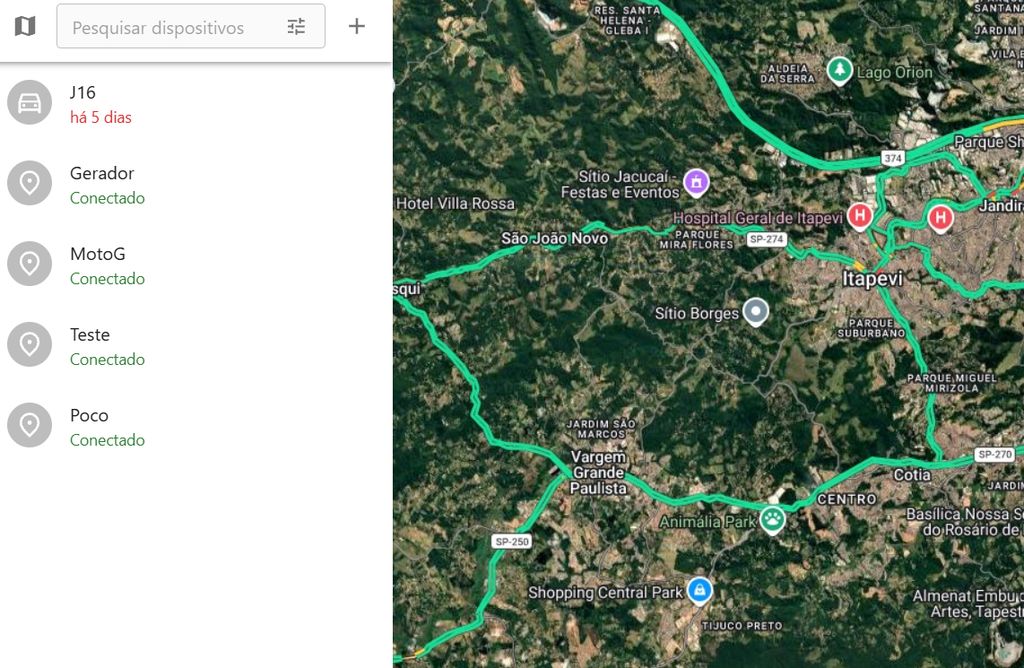
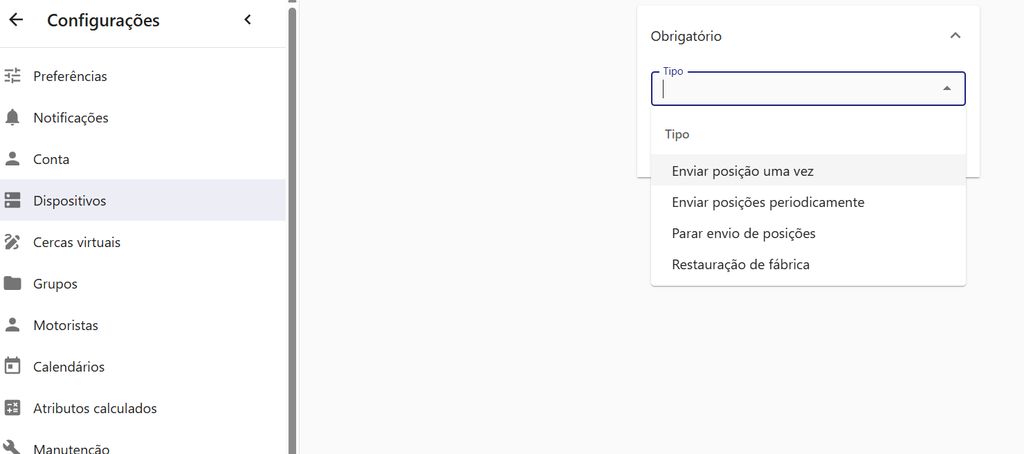
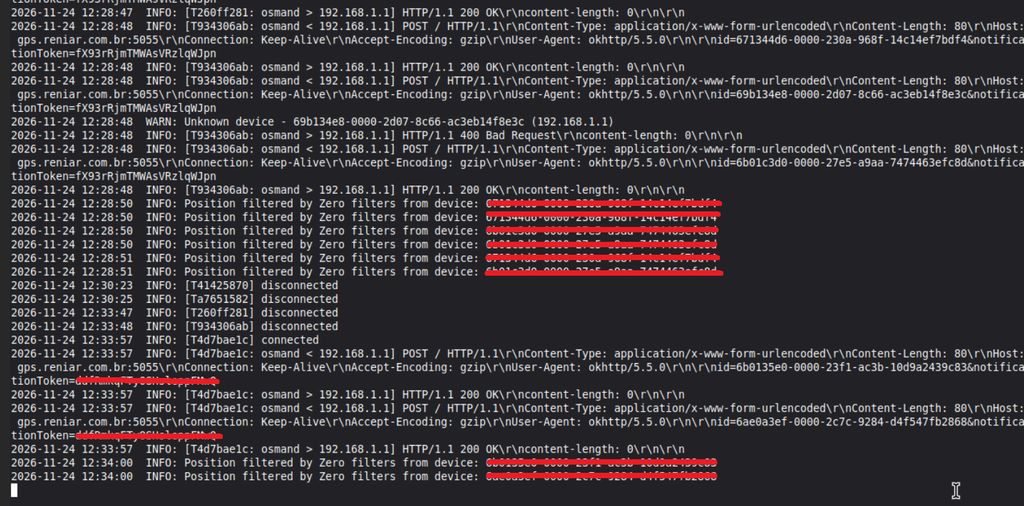
Have you configured everything on the server side?
On the server, I only configured:
<entry key='notificator.types'>web,mail,traccar</entry>
<entry key='notificator.traccar.key'>SUA_CHAVE_API_DO_SITE_TRACCAR</entry>
Did I miss a configuration step?
Yes, provided you replaced the placeholder with your actual API key and restarted the server. Which server version are you using? Does the device have a notificationTokens attribute, and do you get any errors when sending a single position request?
Yes, I replaced it with the API key I obtained from the Traccar website and restarted the container. I’m using version 6.17.0. I have 4 devices split across 2 mobile phones/Google accounts; the notificationTokens are tied to the Google account, right? I ask because I see the same tokens for devices under the same Google account. I don’t receive any errors, nor do I get any confirmation when I send a "single position" command to the devices.
Token is tied to the app, so it is expected that it's the same.
When a single or periodic position command is sent, should it produce any message in the log?
Sent command doesn't produce logs, but if device responds, you should see a new message.
When I send the periodic position command, a clock icon (indicating a scheduled task) appears next to the device in the Traccar Relay app, but I do not receive any position updates.
Before doing a schedule I would definitely recommend figuring out one-off updates. If they don't work, something is not working correctly. What tags are you using?
Tag RSH to Android
Please try version 1.2.0 of the relay. It should have a logs screen where you can see a bit more details on what's going on in the app.
The download link for Traccar Relay is broken (https://github.com/traccar/traccar-relay/releases/download/v1.1.0/app-release.apk); the correct link is: https://github.com/traccar/traccar-relay/releases/download/v1.1.0/traccar-relay-release.apk