hello guys...
First Sorry for my bad English.
I Installed traccar on windows server 2019 & i'm using IIS as reverse proxy, i followed method in this link:
(https://www.traccar.org/forums/topic/tutorial-how-to-secure-traccar-with-ssl-https-for-free-using-iis-and-lets-encrypt-on-windows-server/)
step by step and i'm have no any wrong message like (web socket error) and the traccar log is good and my devices is connected. but my problem i cant see any device on the map on the modern interface. and on the classic interface i can see the devices when i focusing the location manually(Because I already know the locations of the devices). Note: if i following my domain with the default port (8082) everything is working perfectly
Like:
Subdomain.mydomain.net:8082
Please help me.
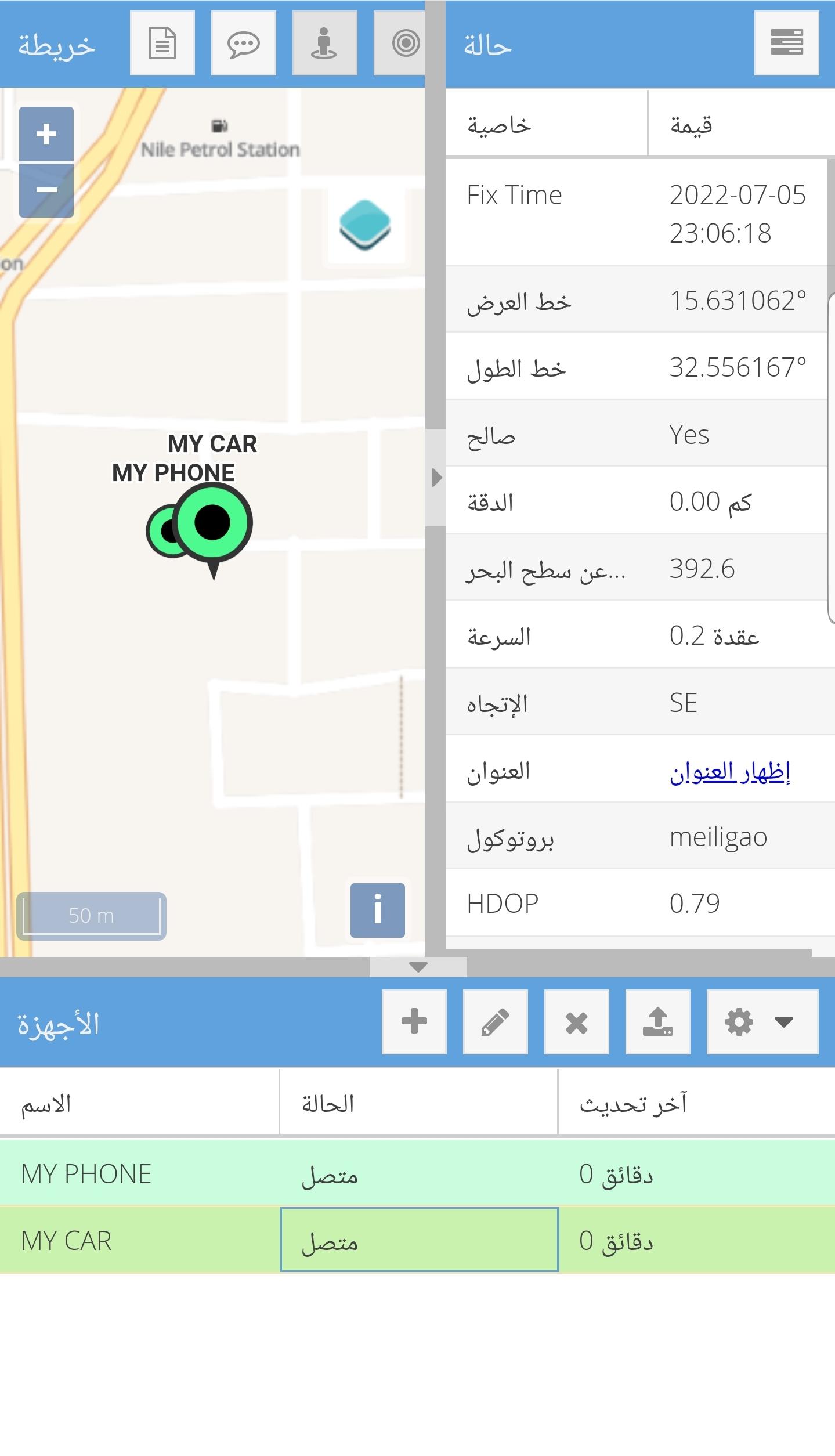
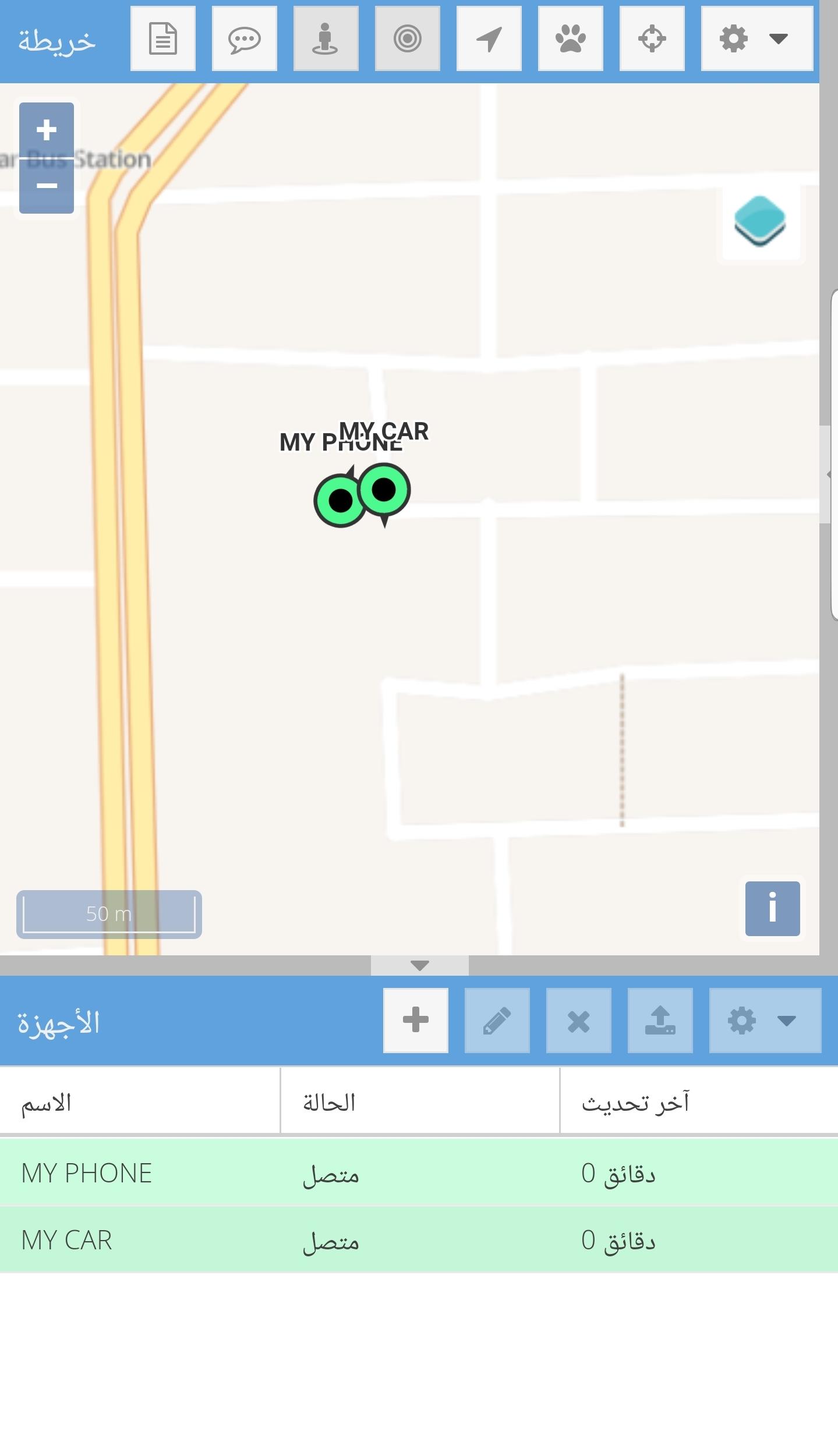
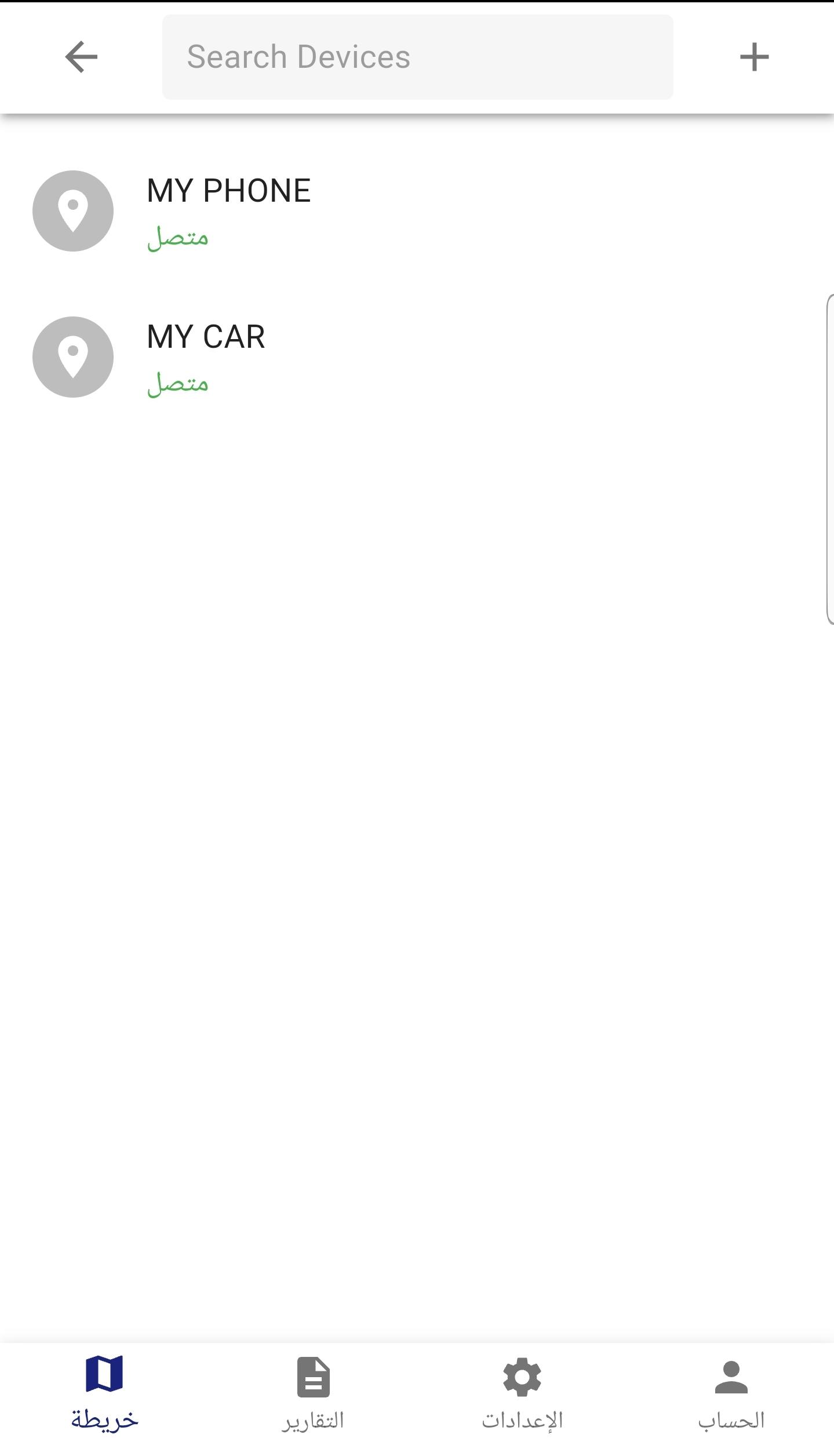
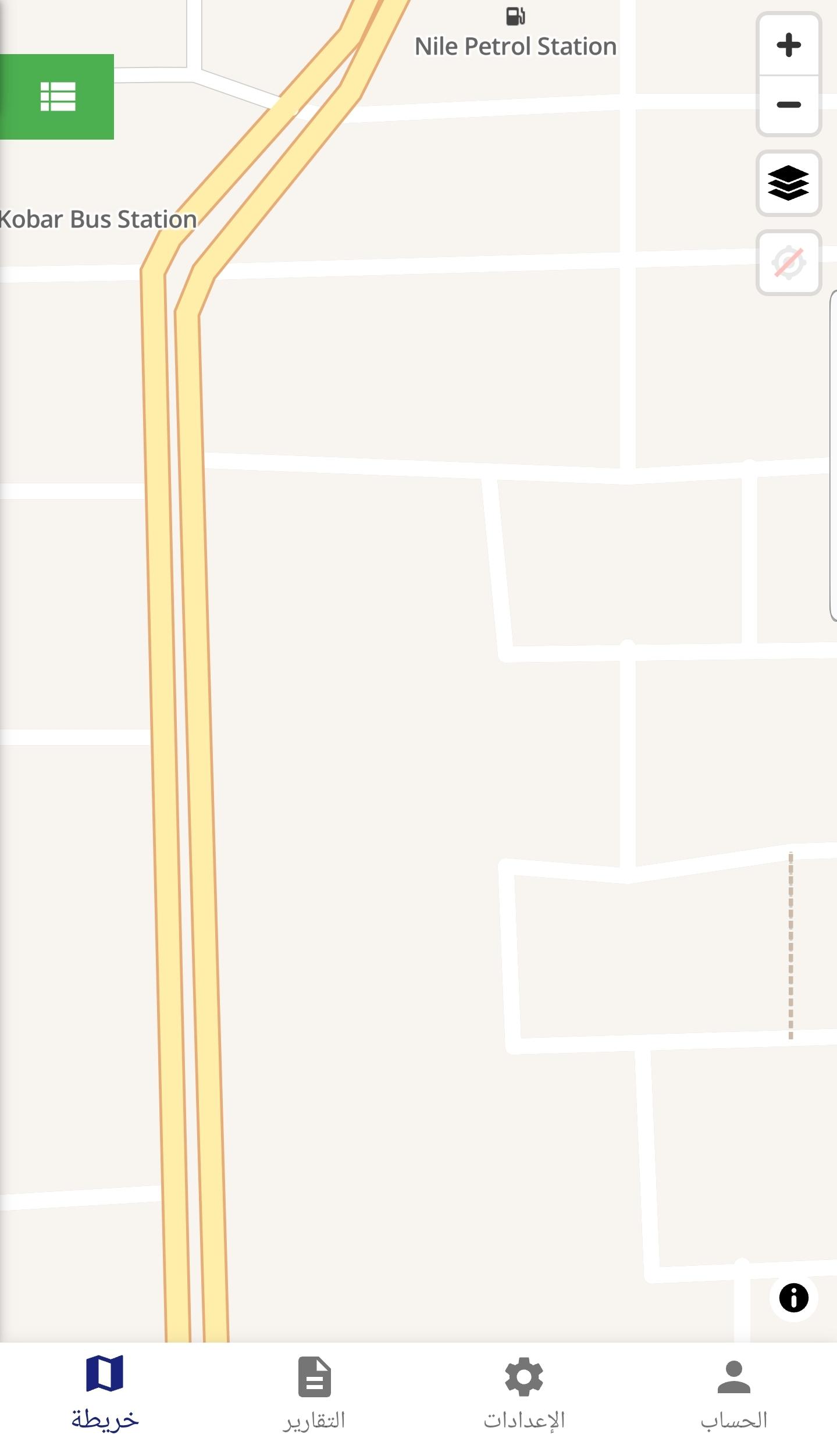
It likely means that you haven't configured WebSocket correctly.
Thank you, Anton, how can I set up the websocket correctly. I searched the forum and did not find a topic other than the one I mentioned earlier
I don't use Windows or IIS, so can't answer that question. But that's not something specific to Traccar. You can probably Google how to configure WebSocket proxy in IIS.
Ok. Thank you very much for your time.
I will trying searching again
I finally found the solution....
I didn't have the websocket protocol installed
even though I had already installed it but it didn't seem to complete for some reason. Now everything is working perfectly


hello guys...
First Sorry for my bad English.
I Installed traccar on windows server 2019 & i'm using IIS as reverse proxy, i followed method in this link:
(https://www.traccar.org/forums/topic/tutorial-how-to-secure-traccar-with-ssl-https-for-free-using-iis-and-lets-encrypt-on-windows-server/)
step by step and i'm have no any wrong message like (web socket error) and the traccar log is good and my devices is connected. but my problem i cant see any device on the map on the modern interface. and on the classic interface i can see the devices when i focusing the location manually(Because I already know the locations of the devices). Note: if i following my domain with the default port (8082) everything is working perfectly
Like:
Subdomain.mydomain.net:8082
Please help me.