How to change the marker type from triangles to dots or circles in Traccar.

As far as I understand, should I replace this SVG in the code with a “dot”? https://github.com/traccar/traccar-web/blob/master/src/resources/images/direction.svg


- If they're facing north, it typically means no course provided (common for non GPS locations).
- Look like you already found it.
GPS is actually used in my solution, and the navigation works perfectly.
It’s likely that the arrow pointing to NORTH is some kind of error; I’ll look for it.
Regarding the catalog and path: I installed the latest update, version 6.16.0, and to my surprise, I didn’t find the file at that path :(
Maybe I’m looking for the solution in the wrong direction?
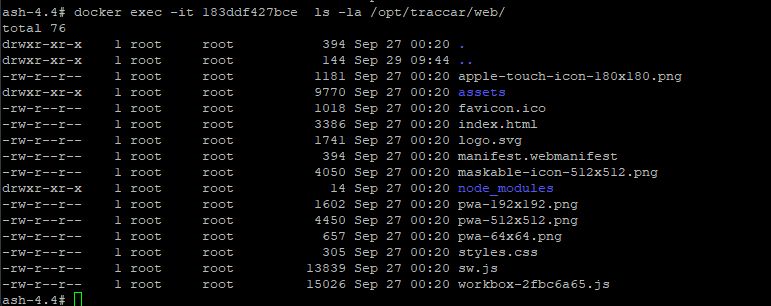
Well, you have to compile the web app.

Just to let you know the .svg file is an arrow for live position icons, and the triangle that you want to change is hard-coded as a text symbol, so if you want to change it have to dig into the code.
Good afternoon!
Gentlemen, could you please help with this question?
On any map layer, when creating a track report, I see markers in the form of triangles. For almost 90% of the track, the triangle “faces” not in the direction of the vehicle’s movement along its course, but almost always towards the north.
I would like to know:
Thank you in advance for your answers.