Test new completely rewritten Traccar Client app

Where can I find the 6.7.2 server version? The latest version is 6.7.1 on Docker Hub. I can see someone mention this as the latest. Thanks.

What settings are you using? And what do you see on the status screen?
Here is the settings screenshot: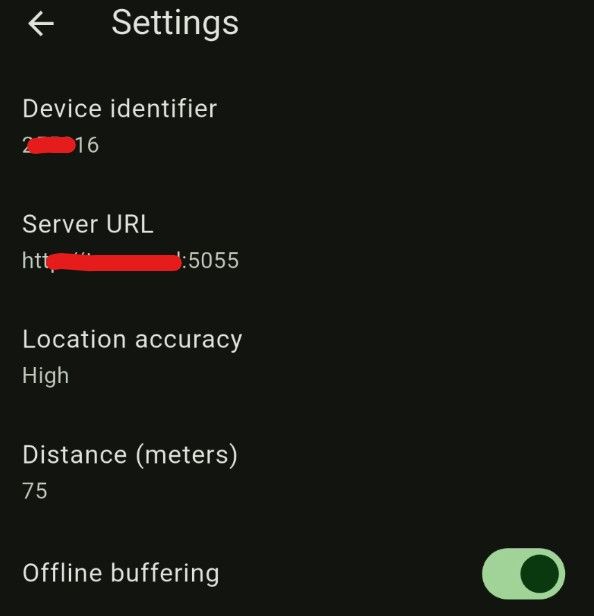
Now, about the status screen, the status log is pretty long. What do I need to focus on?
You can just email the log. Or you can clear and collect it again from scratch. If nothing is working, it probably won't be that long.
Anton, how to save the log? There is no save button, or select all and copy
Good point. We should add something for it.
For now I guess screenshots.
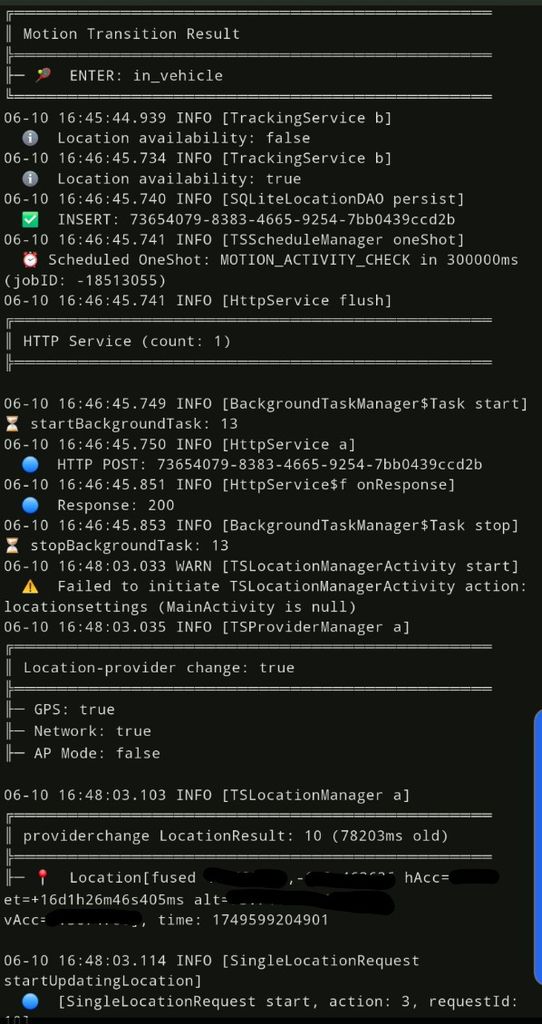
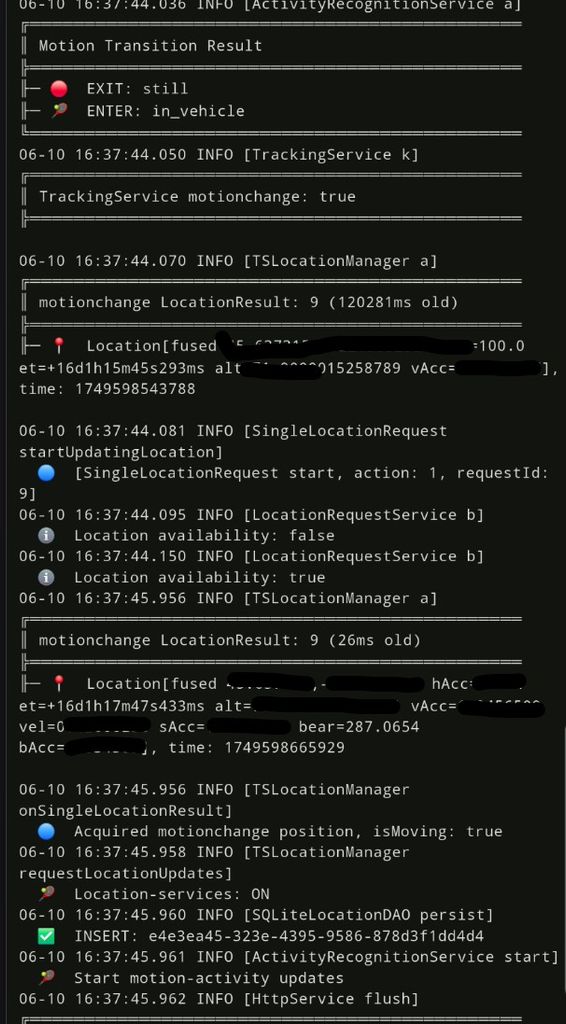
Your log shows HTTP upload with success (200) status.
Yes, the HTTP upload was successful, but why isn't the server logging any travel activity? How can I troubleshoot this issue?
Here is the Docker log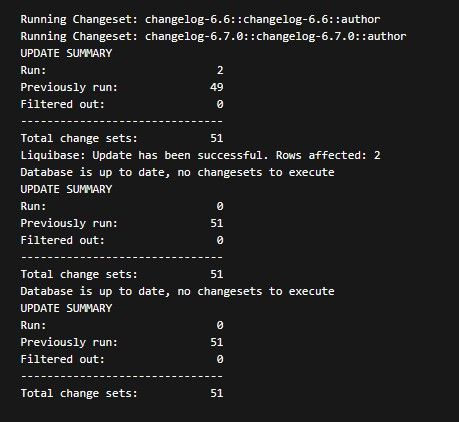
Your server log doesn't show anything useful.
Agreed, but after the update, this is what occurred.
The response is 200, which means that it was received by the server. If you don't see anything in the logs, it means there's some issue on your server side.
Yes, this is what I meant after Docker update to V6.7.1. This is how the server behaves
Versions 9.0.2 and 9.0.3 are not working at all on all of my Galaxy S devices, S22-S25. I traveled half a day with 9.0.2, but it didn’t register any travel (17 miles). Version 9.0.3 also didn’t register my second half of the travel, which was the same distance. My server is up to date (V6.7.1). What I experienced: the device turns gray after some time, when I open the Android app and press on 'Send Location.' The device turns green for a bit, but it isn’t tracking any changes in location.