Convert "io5" on protocol "h02" to Battery level via Computed Attributes AND show it

So,
the problem is still there. I moved the device several times today and yesterday, see below: I set the range from yesterday (when I first set the "42") to now. 656 points were written, but no position is shown on the map:
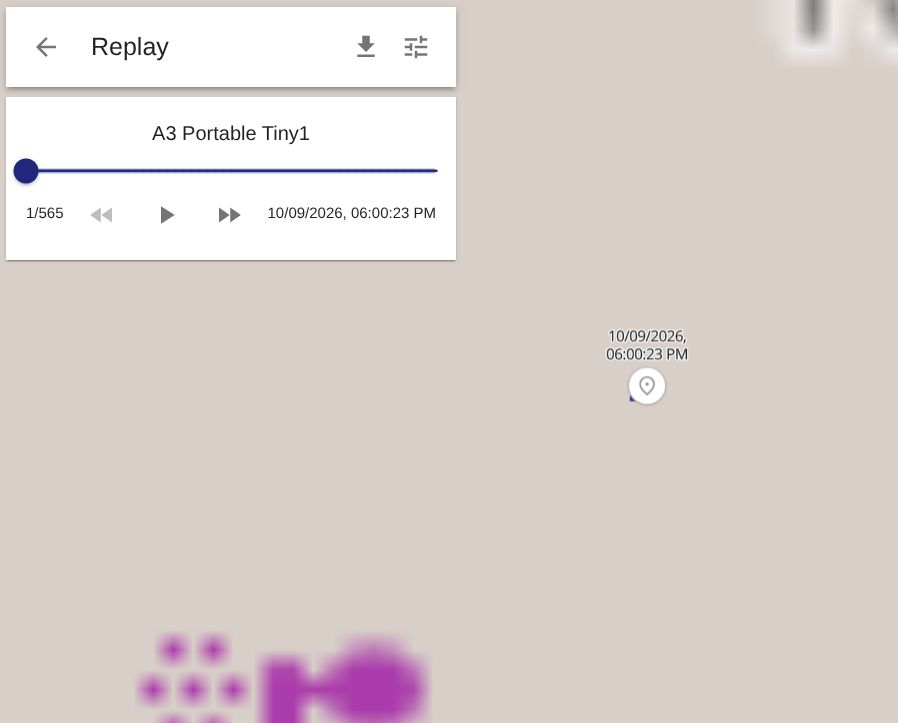
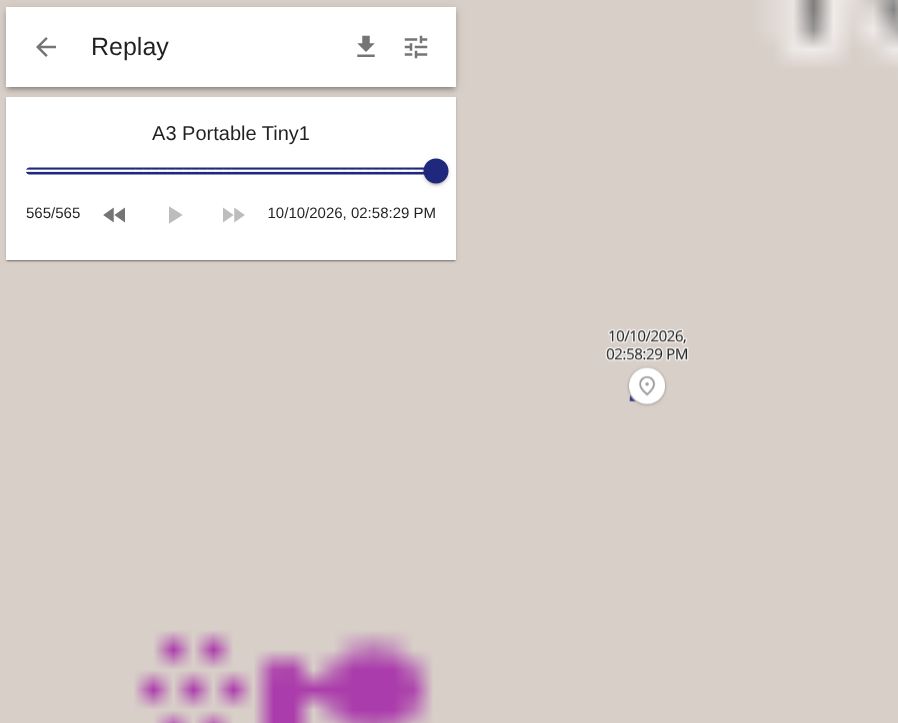
The track from before I set the "42" is displayed without any problems (not shown on the screenshots, because of the set time range).
I will now unlink the Computed Attributes..
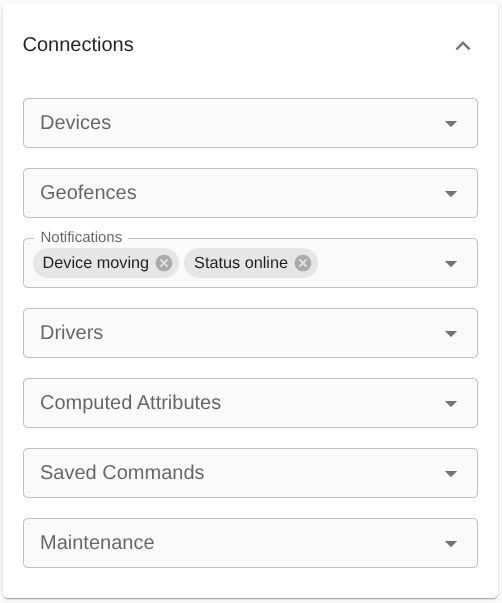
.. and go for a drive.
Will report back here
Nina
Alright, really weird...
After I unlinked the Computed Attributes, the position was shown on the map instantly. The position jumped a few hundred meters, from the spot where the tracker was just before I added the "42" yesterday, to where the tracker was after I unlinked the Computed Attributes 4 hours ago:
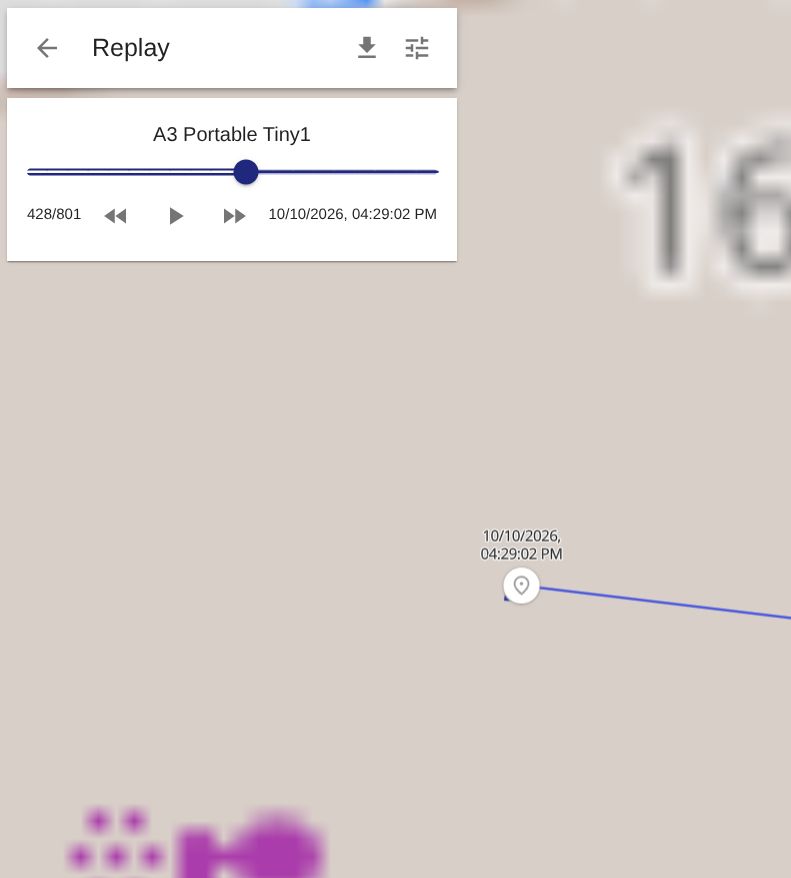
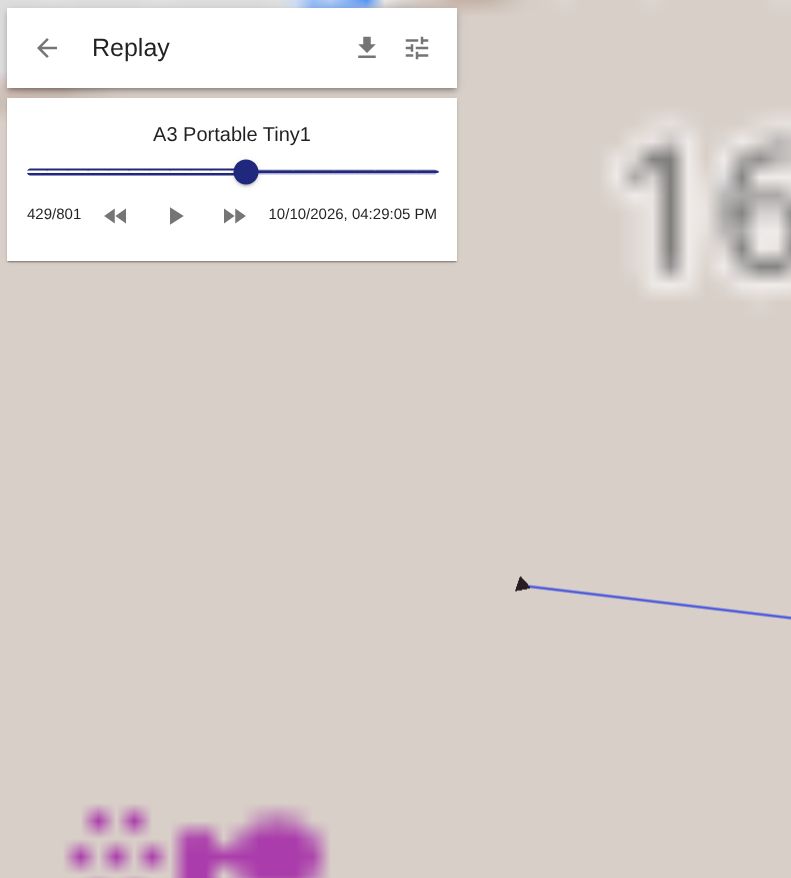
Can this be a coincidence? Or is it a bug? Also see these charts:
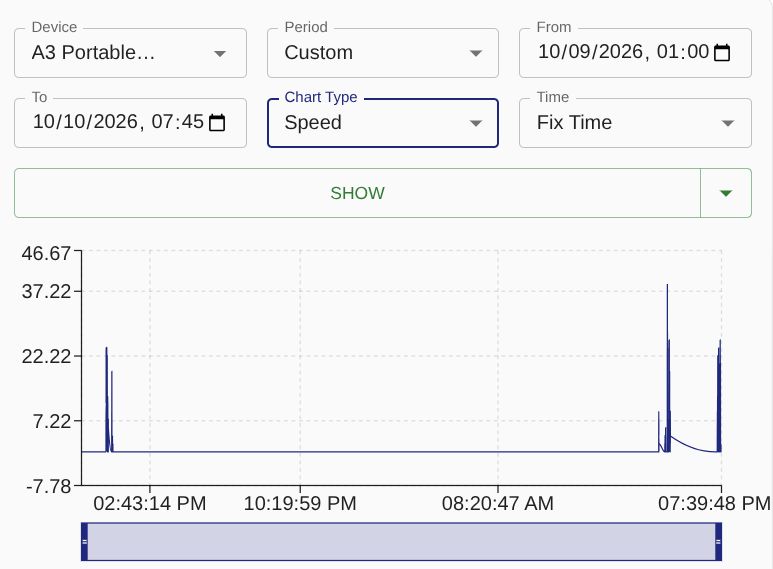
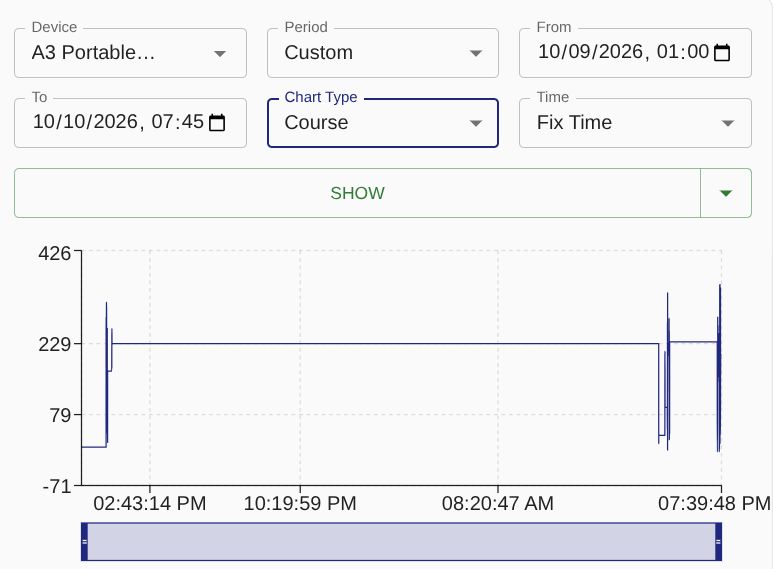
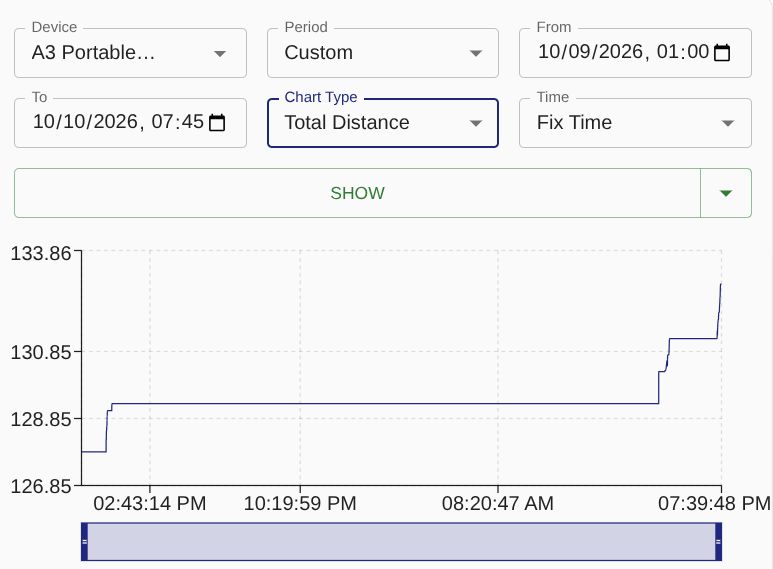
Really don't know what to make of all this :(
Nina

This doesn't seem to be related to the topic. Charts don't seem to be related to the issue. And the location is there, as far as I can tell.
Hello Anton,
I think it is, but maybe I didn't put it right:
After I set and linked the Computed Attributes, I moved to different locations several times. I drove home in the evening, the next day I went to several different locations in the city. The tracker always switched on when it detected movement as intended. Only: There was no change in position shown. This is what I tried to show in the 2 different screens:
First screen shows that there were 428 points recorded during the time span that the Computed Attributes were linked, but the map didn't display any change even though I was moving in real life. Only after I deleted the link between the Computed Attributes and the device, the correct position was displayed again (starting from point 429)
The charts I put for the same reason, for you to see that there was absolutely no movement recorded during the time I had the Calculated Attributes linked. No speed change, distance didn't change, neither did course. Even though the tracker was moving, on and sending data
Nina
Have you checked logs to confirm what your device was sending and what location was decoded? I don't understand why you're looking at some secondary things instead of concrete data.
Hello Anton,
as to your second question, there is an easy answer to it: Because I didn't know.
Regarding the first part of your message: I checked the log now, and everything in there matches with what the web interface already showed me. No movement until 16:29:05 (even though the tracker moved). And then, after that (when I removed the Computed Attributes), the correct position was shown instantly:
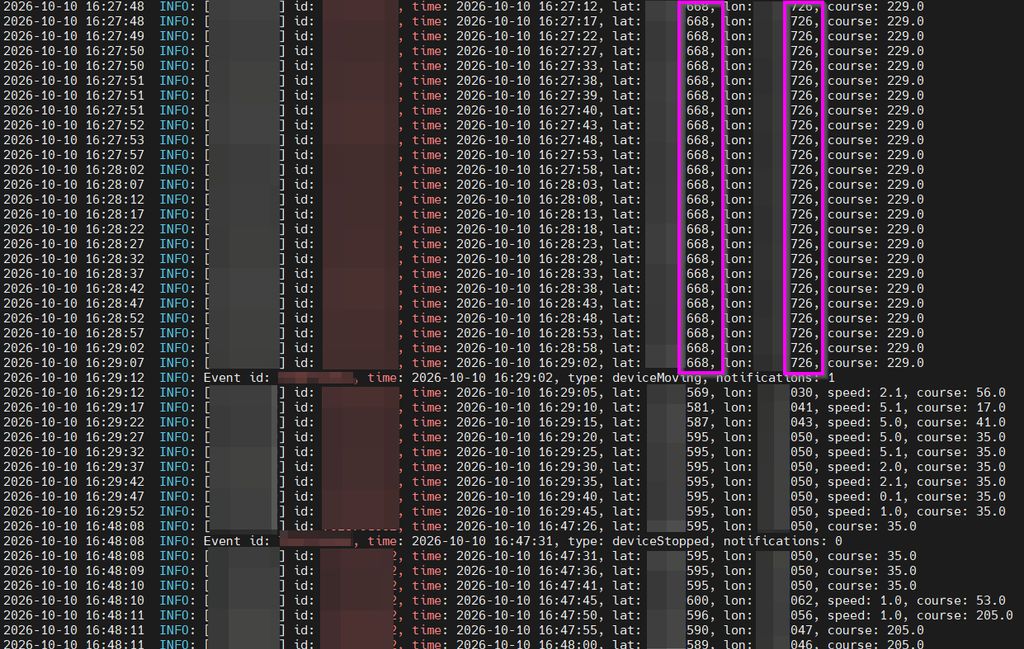
Are there other logs that I should check? That I don't know about?
Further troubleshooting I did yesterday: When linking the Computed Attributes again, there is no position change again. After unlinking, the position is shown. So weird...
I will now delete the whole instance and set it up from scratch - maybe that helps. Will report back here of course.
Thanks again
Nina
No location change and no location update are very very different things. You also forgot to check raw data from your device to see what it's actually sending. That will confirm whether it's something on the server or on the device.
Perfect! So we'll know soon. Where can I check it?
Nina
In the logs, as I said previously.
I thought, that's what I did. Are there other logs than the ones referred to in https://www.traccar.org/troubleshooting [1] that I checked in https://www.traccar.org/forums/topic/convert-io5-on-protocol-h02-to-battery-level-via-computed-attributes-and-show-it/page/2/#post-122096 (tracker-server.log)?
That's the right log file, but you're missing the important parts.
It's working! Both! I'm really happy right now:
Thank you again for your Help, Anton.
Unfortunately, a new problem came up now, and it's really weird. After setting the new Computed Attributes, the tracker does not report its location anymore. It still switches on and is working while it is being moved, but there is no location visible on the map or the history:
I realized this yesterday already, when I only used the testing-attribute. So it should not have anything to do with
io5 * 1ornull. Am I (again) missing something?Thanks
Nina