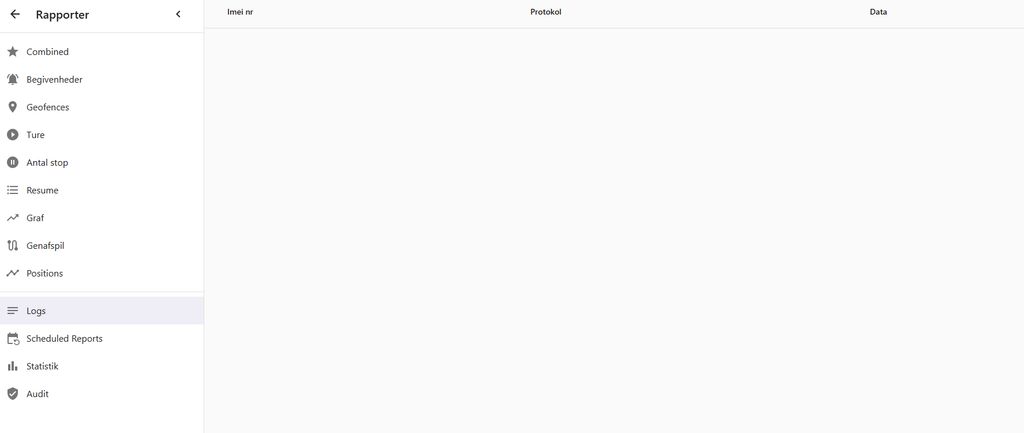
Report/Logs is empty


Are you opening that page directly by any chance?
I log in as an administrator at http://xxxxxxx.xx:8082, click “Reports,” and then click “Logs.”
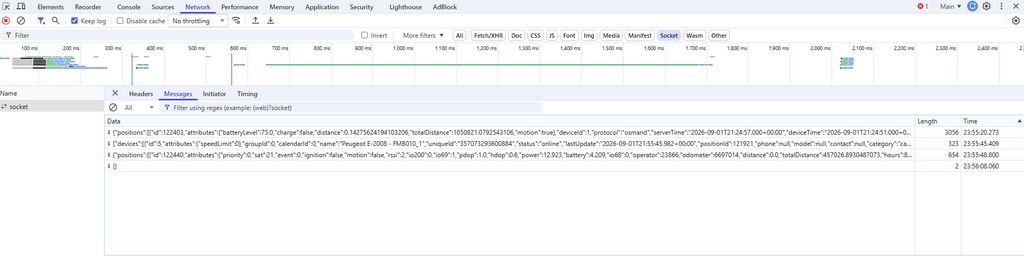
Did WebSocket reconnect by any chance? It looks like it's pretty empty.
Hi Anton
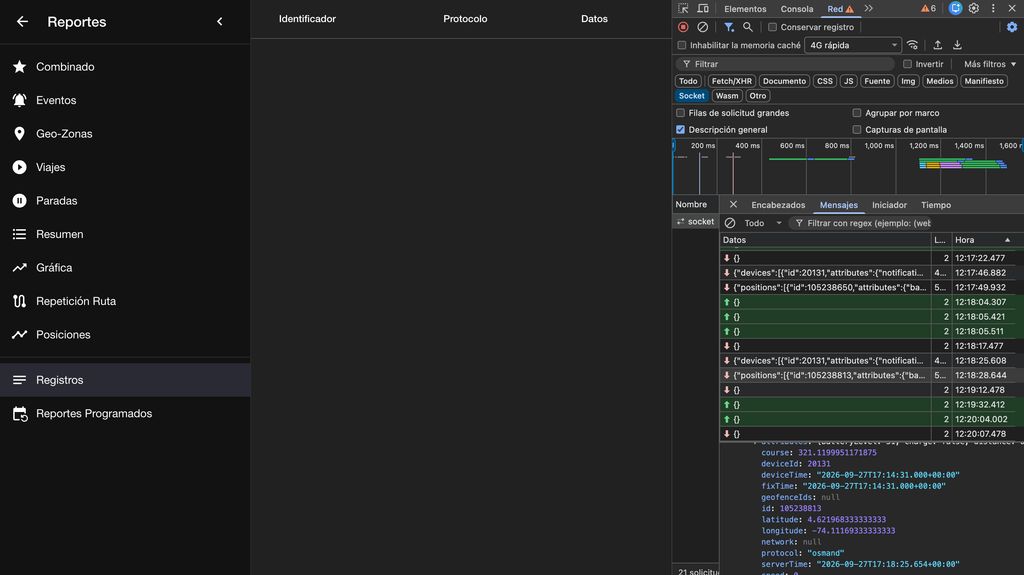
Messages from the trackers are rolling in nonstop when I look at the browser's WebSocket. See the screenshot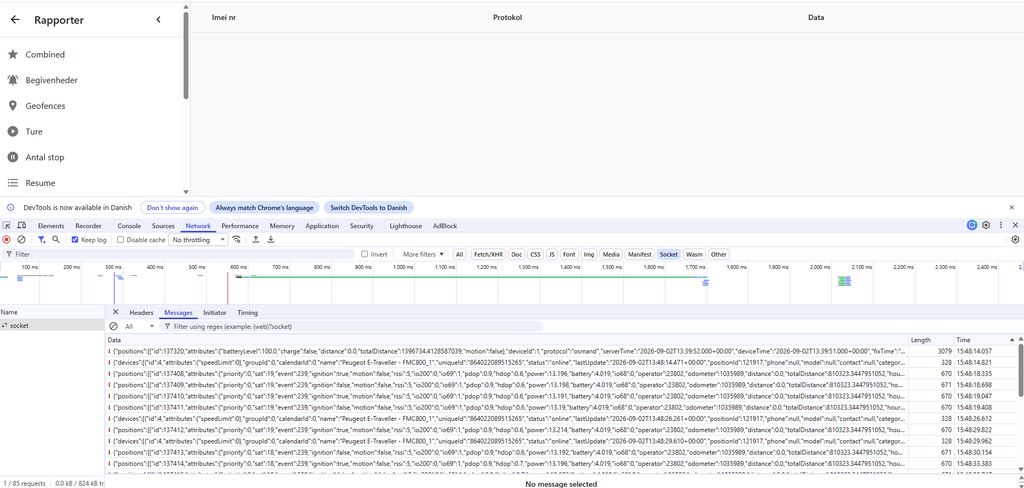
But did it connect or reconnect when you opened the screen? Why so few messages on your previous screenshot?
Every time I open the page, the list restarts. If I refresh the page, it creates a new socket where it restarts, and then no more messages appear in the first socket. See screenshot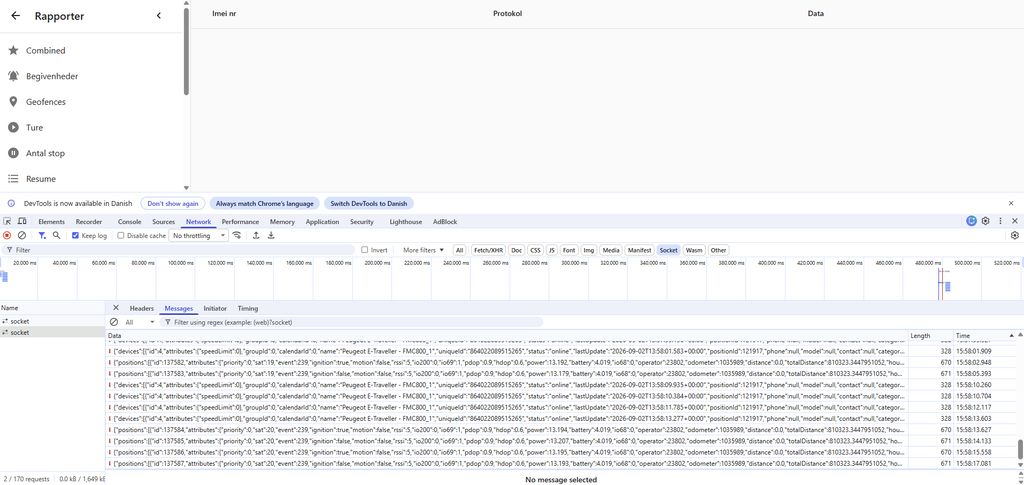

I had a similar issue with the Logs page after a WebSocket reconnect.
In my case, includeLogs was still true, but the new socket was not getting the logs subscription again because the value itself had not changed.
I fixed it locally by keeping the current includeLogs value in a ref and sending it again from socket.onopen:
const includeLogsRef = useRef(includeLogs);
includeLogsRef.current = includeLogs;

socket.onopen = () => {
  dispatch(sessionActions.updateSocket(true));
  socket.send(JSON.stringify({ logs: includeLogsRef.current }));
};
I also only send the update from the includeLogs effect when the socket is already OPEN.
This fixed the issue for me. Not sure if SATCOM is seeing the same problem, but Anton question about the socket reconnect reminded me of it.
Wait. You said you refresh the page? Why would you refresh?
That's exactly what break it.
Can you help me figure out exactly what I need to change, and how and where?
This should fix the problem:
https://github.com/traccar/traccar-web/commit/433f8e565aa60ad02e4795bb5b57a65440cb1b25
Thanks Anton!!
Thank you both so much for your help. It's working perfectly now.

I have updated to version 6.16.0, and the /reports/logs page is not showing any data.
Hi,
I am running Traccar 6.15.3 on Windows with MySQL.
The Reports → Logs page is completely empty, even though the server is receiving and processing tracker data correctly.
I have verified the following:
Teltonika devices are connected and sending data.
Positions are correctly received and stored.
The WebSocket connection to /api/socket returns HTTP 101 Switching Protocols.
The WebSocket continues to receive devices and positions messages.
However, the WebSocket never returns a {"logs":[...]} message.
The server log shows the incoming Teltonika data correctly, for example: INFO: [Uec5dbba0] id: 357073293600884, time: ...
I also tested the frontend JavaScript and confirmed that the logs parameter is being sent when the WebSocket is open, but the Logs report remains empty.
What could prevent the Traccar server from sending the logs messages to the WebSocket?
Any suggestions on where to check server-side would be appreciated.
Thanks.