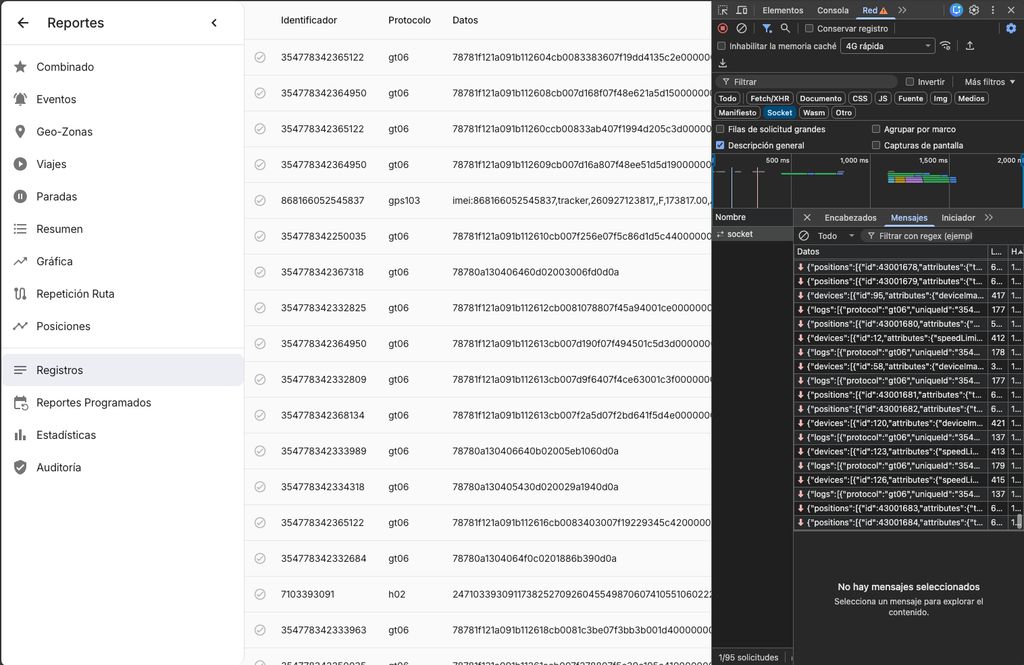
Report/Logs is empty


Hello everyone,
I recently set up Traccar on an Ubuntu server using Nginx as a reverse proxy along with an SSL certificate (Let's Encrypt).
Everything worked perfectly when accessing the server directly via its IP address and port (http://<IP>:8082), displaying real-time updates and logs smoothly. However, when accessing it through the configured domain (https://traccar.yourdomain.com), the web interface failed to load live data, and the browser console showed the following error:
Error during WebSocket handshake: Unexpected response code: 400
Cause:
The Nginx reverse proxy was routing standard HTTP traffic correctly, but it was missing the required headers (Upgrade and Connection) and the HTTP/1.1 protocol version needed to establish the WebSocket connection that Traccar relies on for real-time telemetry updates.
Solution:
To fix this, I added the following parameters inside the location / block in the Nginx site configuration file:
Nginx
location / {
    proxy_pass http://127.0.0.1:8082;
    proxy_set_header Host $host;
    proxy_set_header X-Real-IP $remote_addr;
    proxy_set_header X-Forwarded-For $proxy_add_x_forwarded_for;
    proxy_set_header X-Forwarded-Proto $scheme;

    # Critical lines added for WebSockets
    proxy_http_version 1.1;
    proxy_set_header Upgrade $http_upgrade;
    proxy_set_header Connection "upgrade";
    proxy_read_timeout 86400;
}
After saving the file, I verified the Nginx syntax with sudo nginx -t and restarted the service using sudo systemctl restart nginx. Once applied, the WebSocket connected successfully, and the interface started working seamlessly over the domain name.
Hope this helps anyone facing a similar setup issue!
Thanks, Anton.
It's working for me. Remember that it will only show live data, not historical.