Server stopped responding on port 5013


- What version of Traccar are you using?
- Please provide evidence showing servers stopped responding (logs).
- How would changing port solve the issue?
"version":"6.11.1"
I am not sure if there is some kind of block on our VPS hosting server (hostinger.com) or if it is an internal issue with Traccar. I tested the Android app, which uses port 5055, and it worked normally; however, all Acuratte devices stopped working at the exact same time.
I even tried switching one of my test devices to port 5023, but I believe the port configured within the Traccar server is likely 5013. Therefore, even if I change the port on the device, it won't work unless the same port is also set in Traccar.
I have attached an image sent to me by my GSM carrier, which shows that the port is time out.
Have you followed the troubleshooting guide? There's a very easy way to check if the port is open or not. There's no need to guess.
Could you send it to me? I didn’t follow along, and I don’t have much knowledge—could you help me by sending the best test to perform?
Click on the documentation link below or above.
Sorry, I didn't see a link in the documentation that would allow me to test whether port 5013 on my server is open and working; could you be more specific?
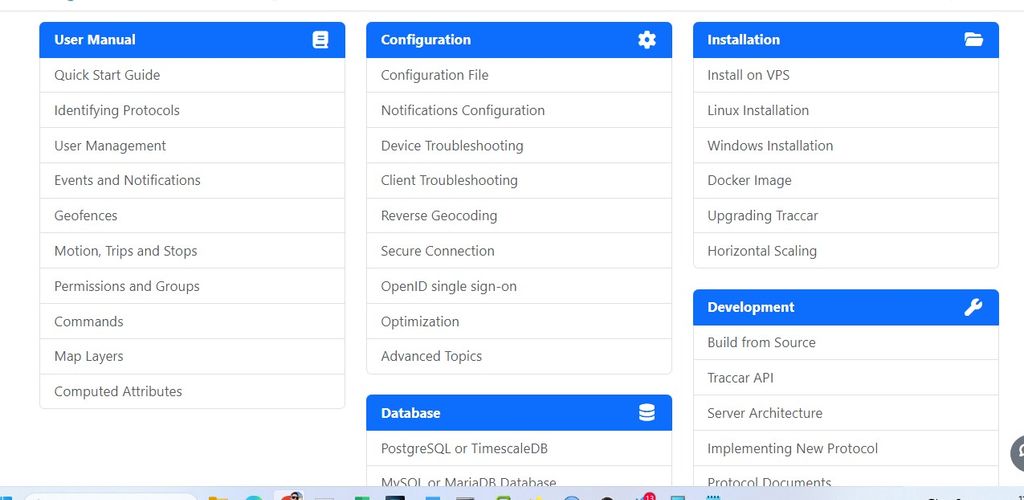
Have you searched for "troubleshooting"? This is the link:
Thank you. The test does indeed show that the port on the server is open; I just need to figure out why the server isn't updating the data.
As you can see in the image from my Android phone, it is online and working normally.
Do you have any tips on how I might identify the cause of this issue?
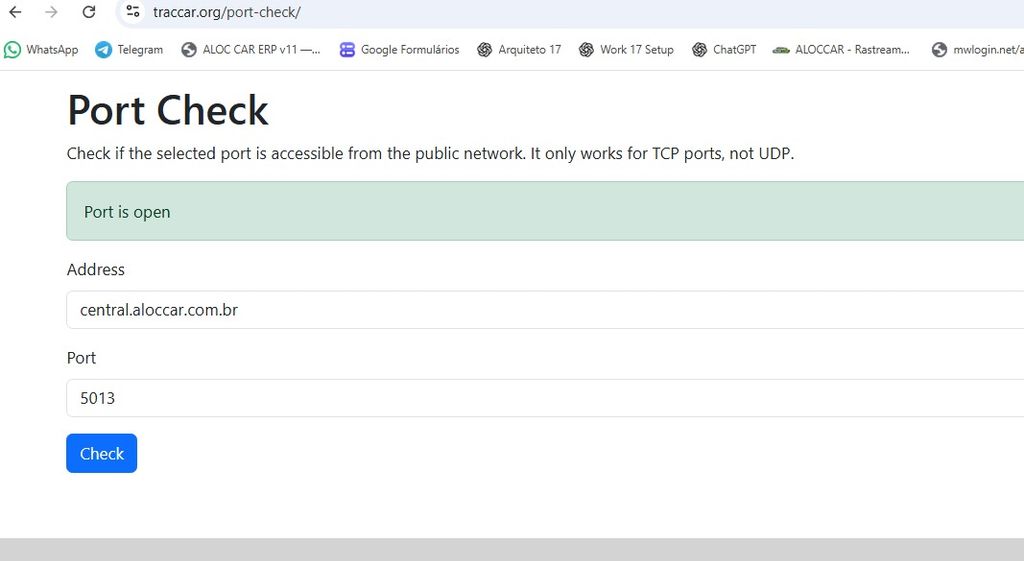
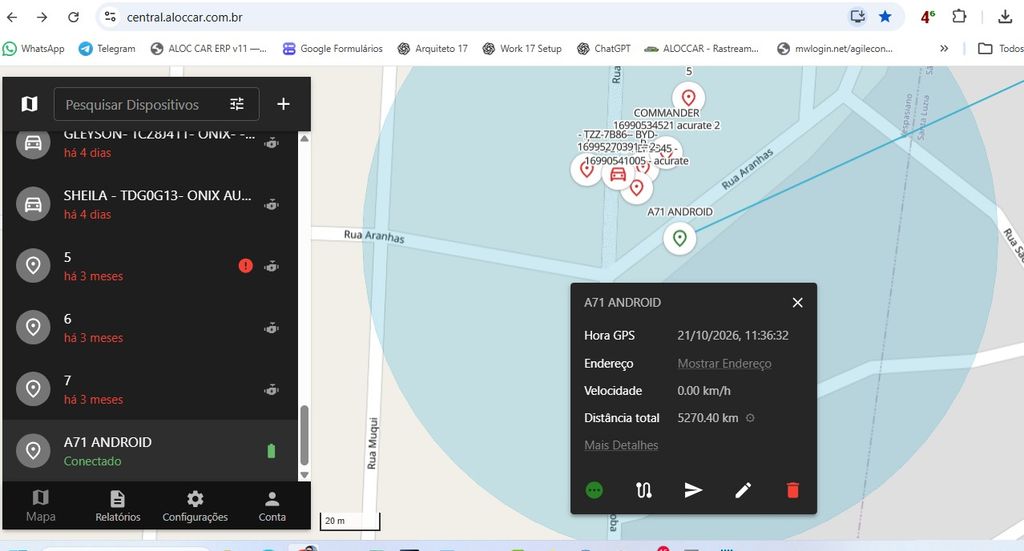

Logicly you would check the traccar server log for you devices or any other errors. You can also restart the traccar instance itself and check in traccar server log if everythings starts up nomally after that.
What is the command to export the log? I wasn't the one who installed the server, so I'm having some trouble.
Today, I discovered that all my Acuratte GT06 devices—which currently operate on port 5013—have simply stopped working.
This port is defined within Traccar itself and configured on the Acuratte device, correct?
Given this, is it possible for me to change the port in Traccar to get them working again?